- Help Center
- Wingtra Internal
- Customer Success
Use of search tags in the KB
Learn how to use keywords in the public KB articles to improve the search results.
Keywords can improve the search for specific topics in the Knowledge Base. When tags are applied to Knowledge Base articles they enable users to filter and search for relevant articles by using those keywords. You can have many tags per article and the more you have the easier you make it for someone to search for it.
To add keywords in an article follow the steps below:
1. Click the Settings tab
2. Go to Keywords for search section
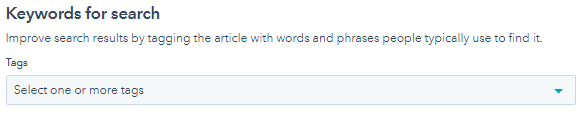
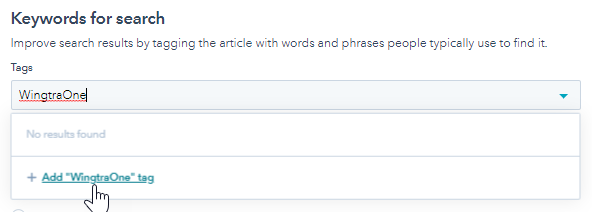
3. To add an existing tag, click the drop-down and select a tag. If the keyword you want to use is not in the list, type the name of your new tag and click + Add tag
To decide which words can be used as keywords you can check the list with the most searched terms in the Knowledge Base Insights.