- Help Center
- Wingtra Internal
- Sales enablement
How to submit social media suggestions in Clickup
Here are your step-by-step instructions to submitting social media suggestions to Clickup based on a task template.

1. Start by visiting the Social Media list inside the Content Pipeline subfolder of the Marketing main folder as demonstrated above.
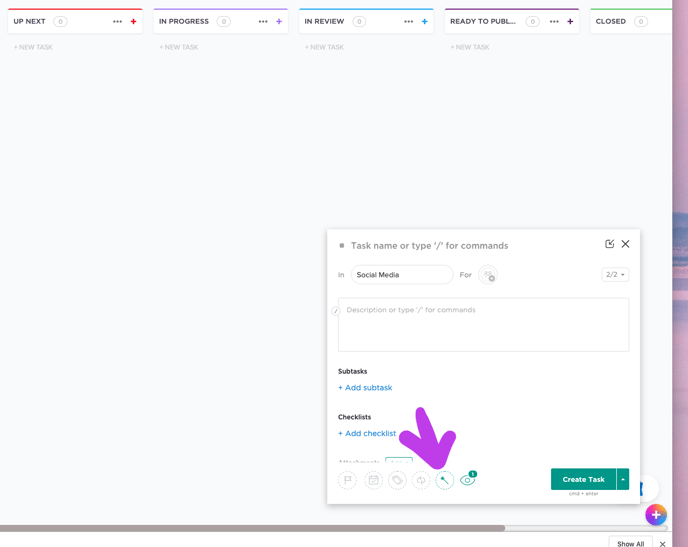
2. Next. Simply type "T." A task will pop up in the lower right of your screen.
3. When it does, click on the magic wand, noted below.
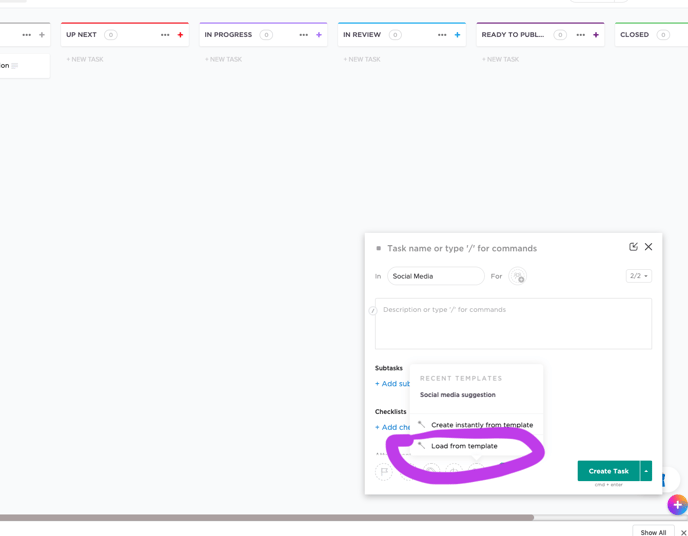
4. Now click on the "load from template" option as indicated below.
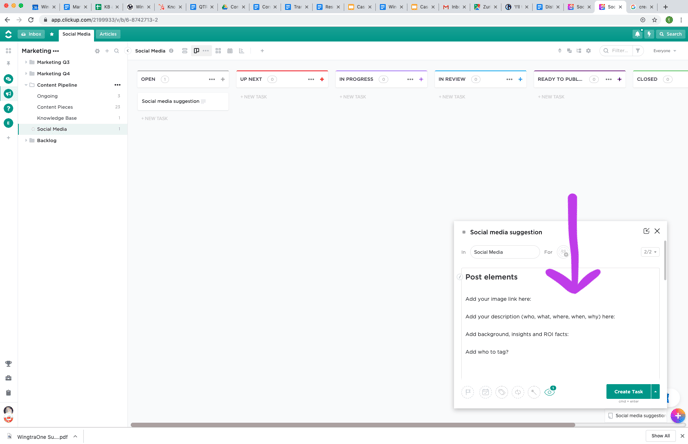
5. Select "social media suggestion" as shown below.
.png?width=688&name=Screen%20Shot%202019-09-16%20at%2011_24_54%20(2).png)
6. Now you have a template ready for you to enter the title, information and links necessary, as shown below. Enter your information as completely as possible. The more complete and organized, the easier it is for marketing to immediately schedule for posting.
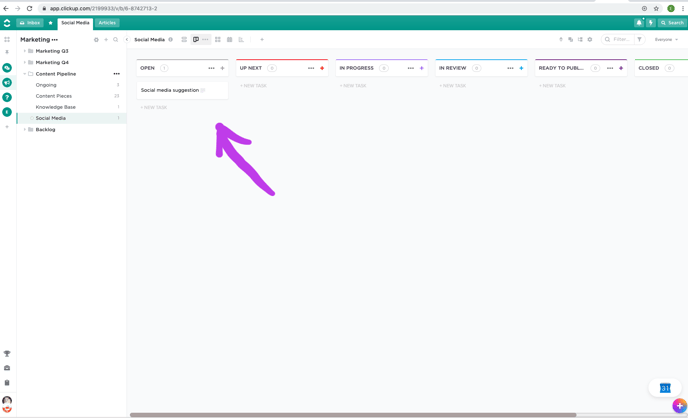
Click "Create Task." Voila! Your suggestion is now listed as an open task (example below) and will be moved to the right through the pipeline if it contains what is needed to post and is relevant to the overall marketing strategy.
Need help convincing someone to participate?
Download a .pdf version of the presentation here.
Thank you for your participation!