- Help Center
- Wingtra Internal
- Customer Success
How to send the KB registration email to a customer
When the Lifecycle stage of a Hubspot contact is set to Customer, the email address of the contact is included in the Access to Customer Portal Knowledge base list and the contact receives an email to register in order to access the Customer Portal content.
In case a customer claims that they did not receive the registration email and the email is included in the Access to Customer Portal Knowledge base list, there is a way to manually send it. To do so follow the steps below:
1. Go to the Hubspot contact page (search with email address in Contacts)
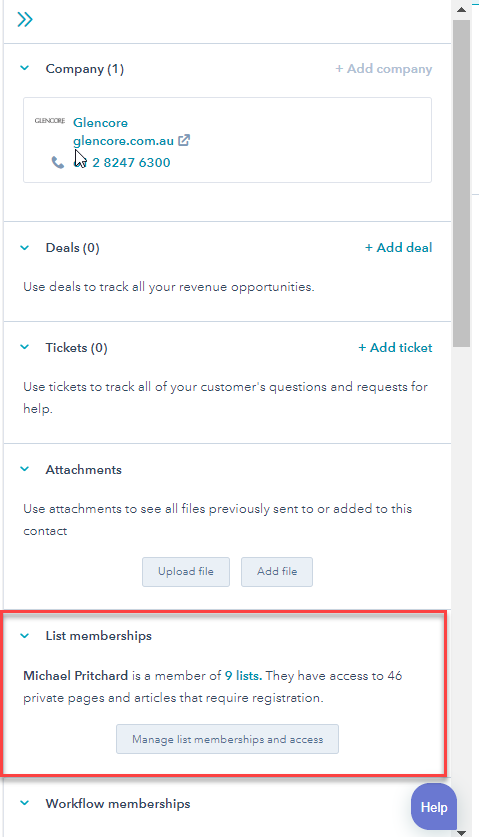
2. Click on the lists the contact is a member from the List memberships section on the right-hand side
3. On the top right side, you can manage the registration
4. To resend the registration email, click on Resend registration email
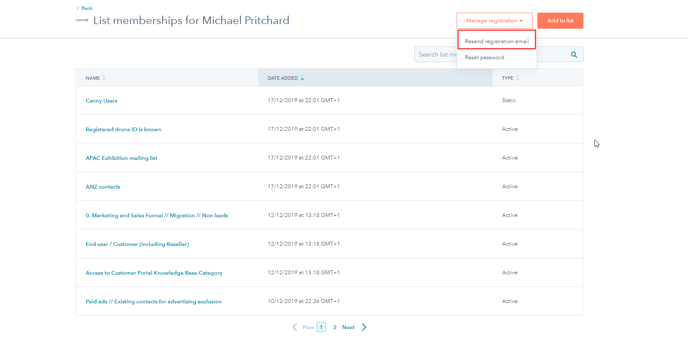
In case the customer has not registered, a message that the registration email was sent will pop up. If this does not happen, then the customer has already registered in the past. In this last case, we can only Reset the password.
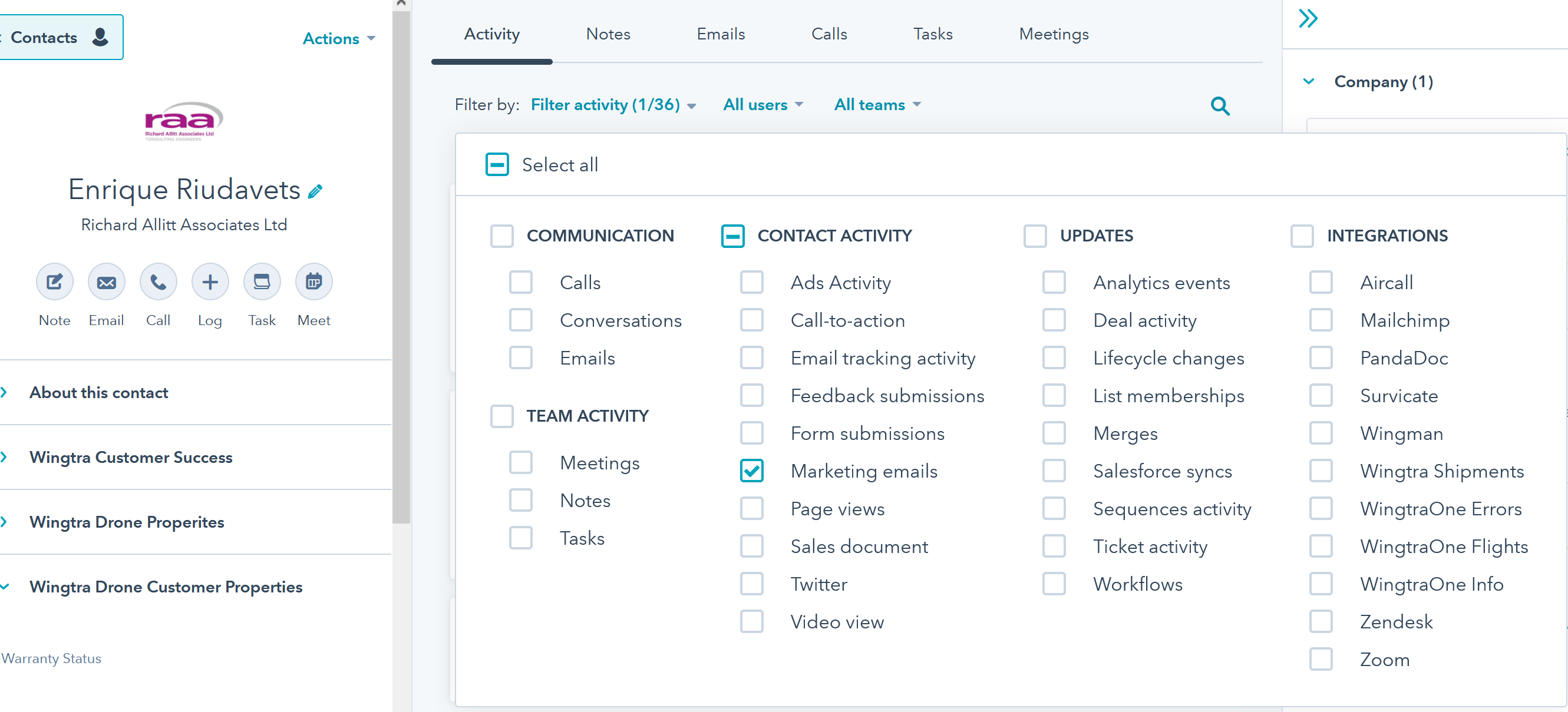
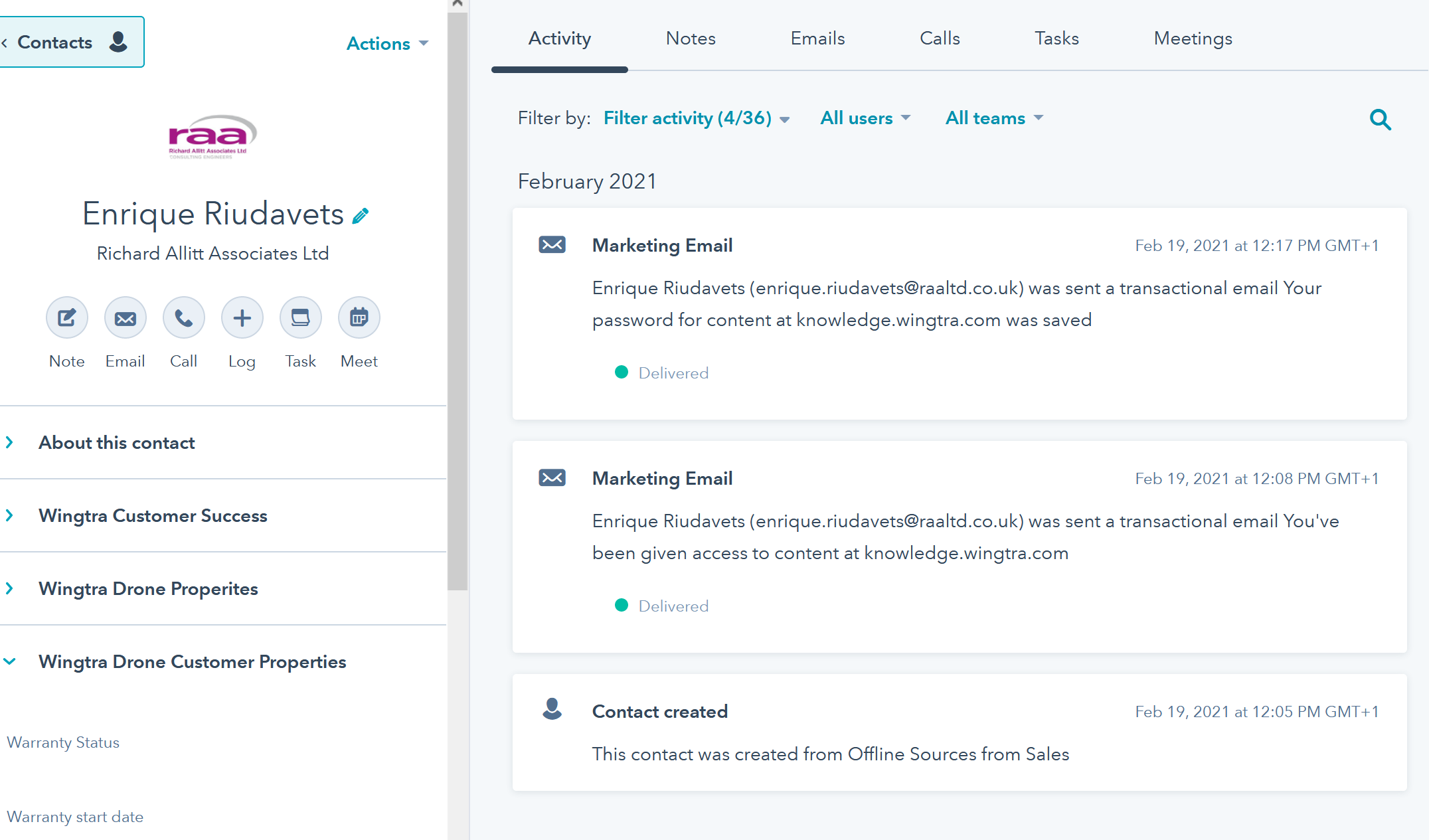
To check when an email has been sent, you can go to the contact page in HubSpot and filter activities for marketing email: