- Help Center
- Maintenance and Replacements
- Basic Replacements
Replace tablet holder
Step-by-step instructions on how to replace the tablet holder
The tablet holder is not required for flying WingtraOne. You can safely fly the drone using the RC and the tablet detached.
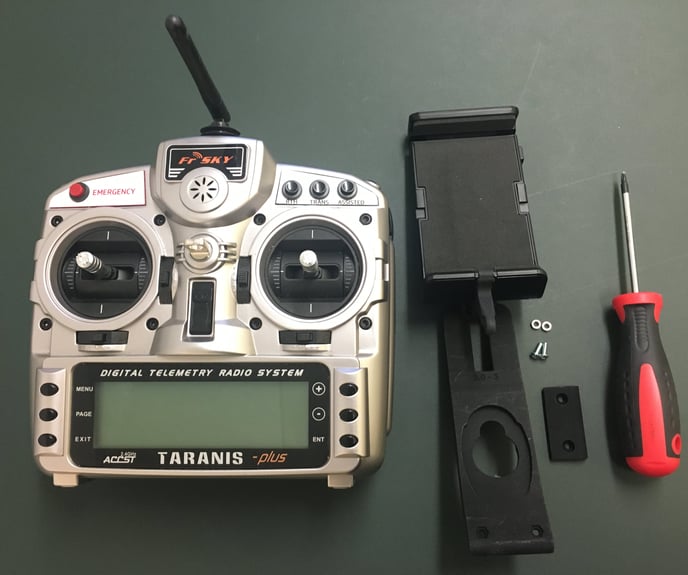
Required equipment
- Taranis X9D remote control
- Provided screwdriver
- New tablet holder
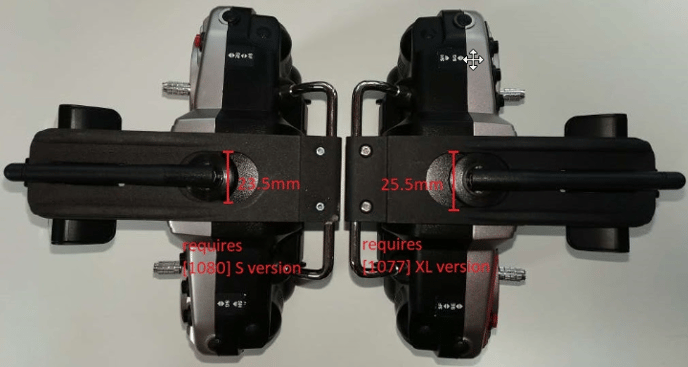
There are two different RC antenna types. Please provide the size as shown in the image below to Wingtra Support.
Step-by-step instructions
1. Make sure the remote control is turned off
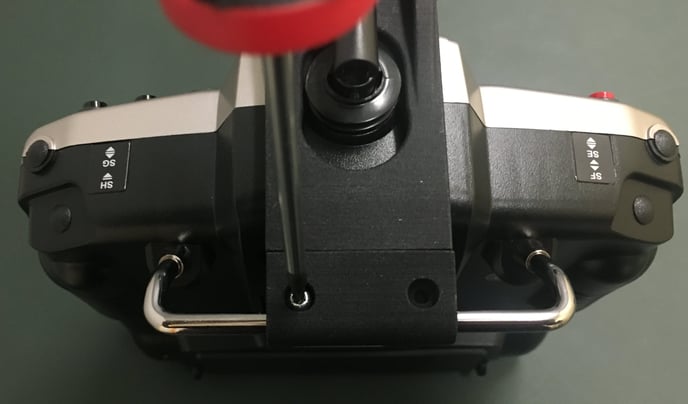
2. Remove the damaged tablet holder by unscrewing the two screws at the base of the remote control. Make sure that you do not lose the nuts while you unscrew the screws. Note that you might need to rotate the holder to detach it from the metallic base
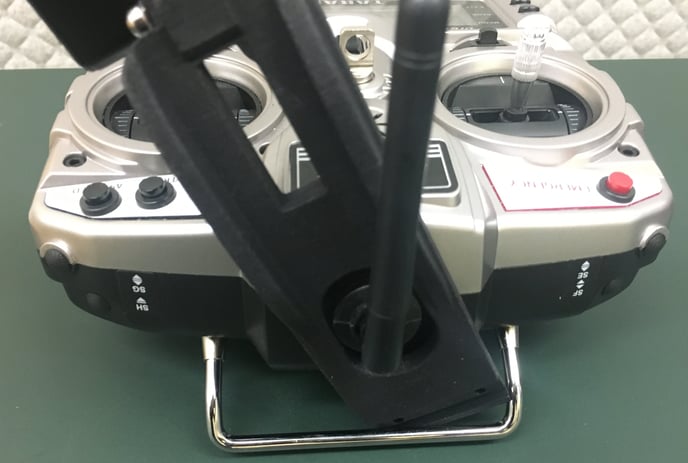
3. Take the new tablet holder and place it in the RC so that the RC antenna passes through the hole of the holder

4. Rotate the tablet holder and place it so that is locks at the bottom side of the metallic base, as is illustrated below:
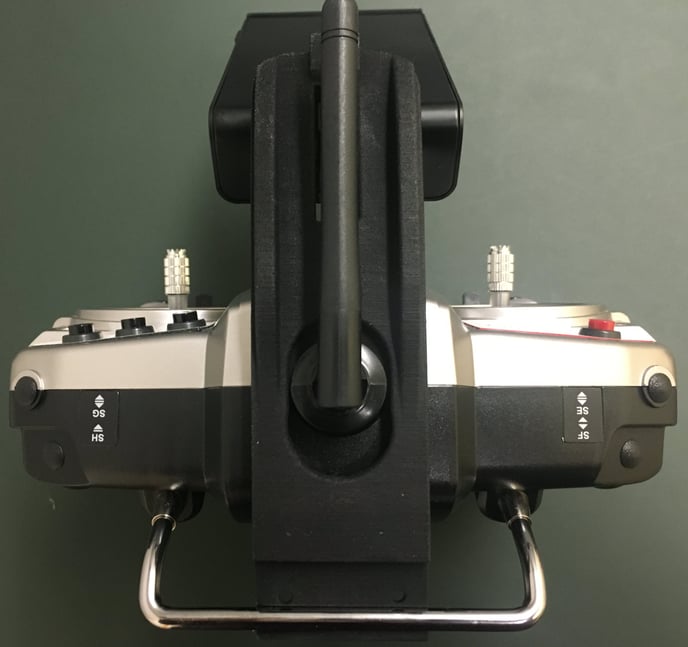
5. Place the black cover and insert the screws in the holes; note that they fasten on the provided nuts