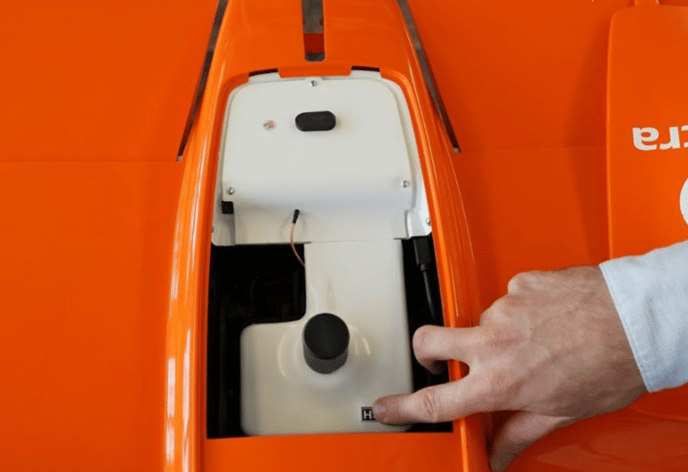
This article explains how to replace the faulty cable in the electronics bay (e-belly) of the drone. This cable connects the onboard computer with the flight controller, and it has recently been upgraded to a new, more reliable version.
Detailed step-by-step instructions can be found in this video:
Tools needed:
- WingtraOne
- Screwdrivers
- Torx T10
- Small Phillips head
- Replacement cable provided by Wingtra
- Make sure WingtraOne is not powered. Lay it on a flat surface.
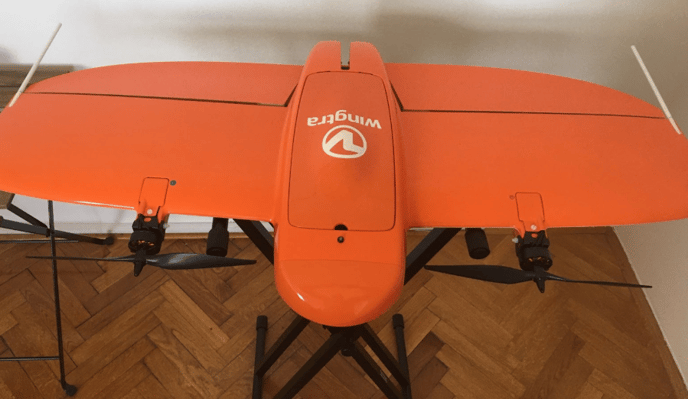
- Open the top cover.
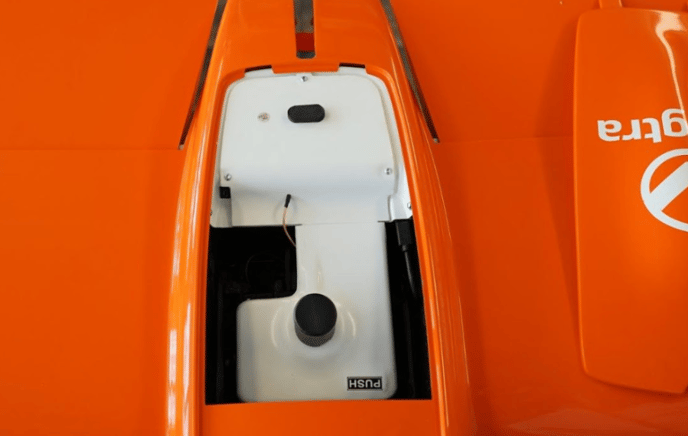
- Open the PPK module cover by using the push to release button (if applicable).
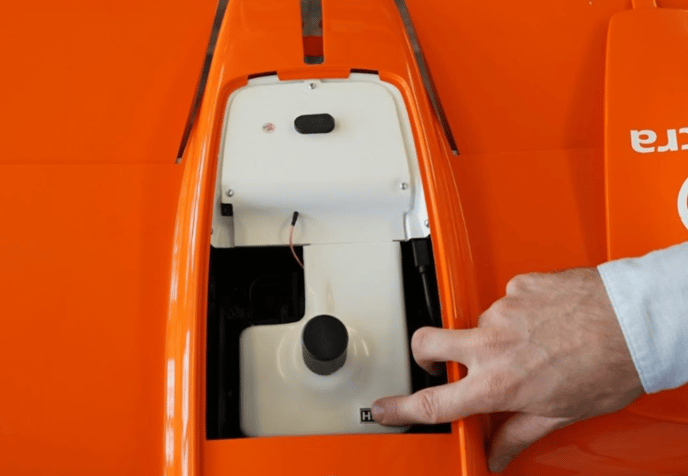
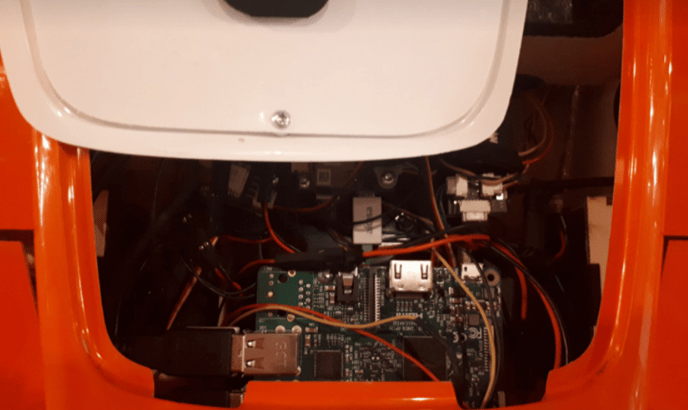
- Unscrew two screws that hold the white electronics cover (e-cover). The following two photos show the position of the screws.
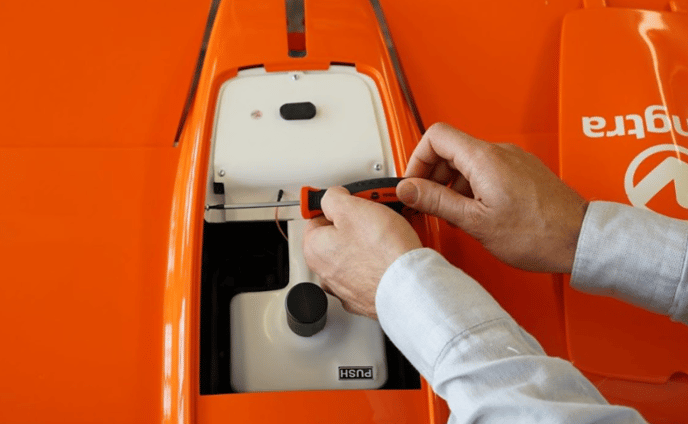
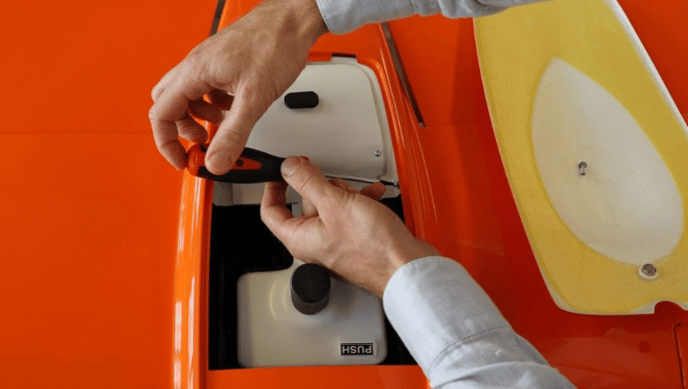
- Lift the PPK cover antenna lid and pull the white cover towards the battery compartment. Be very careful lifting up the white cover since it is connected via multiple cables to the electronics below.
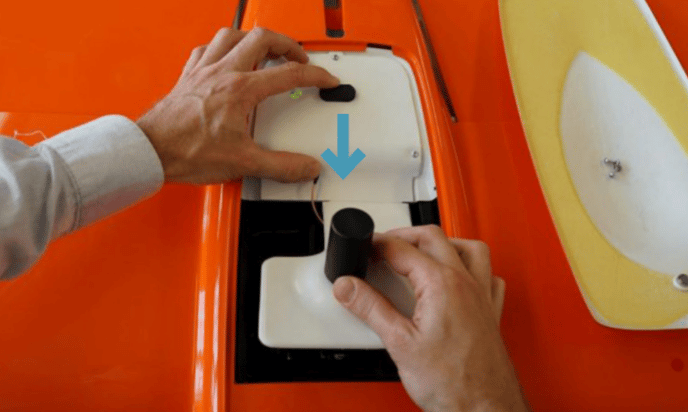
- Push the cover and gently bend the white latch to be able to lift it out of the groove.
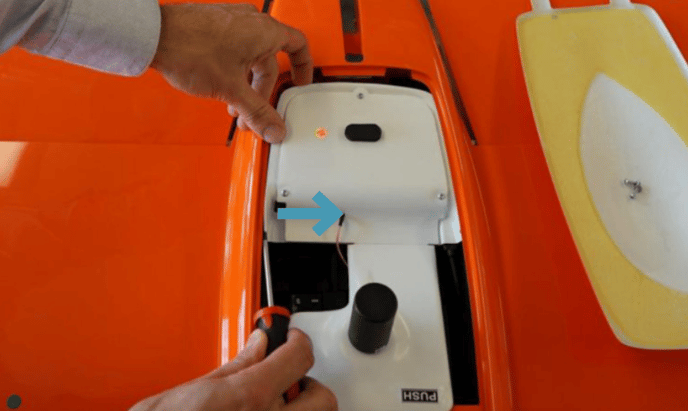
- Only lift it up by 2cm and shift it to the front 10cm to avoid pulling on the electronics cable.
- The faulty USB cable is labeled with “akasa.” It has white connectors, and the cable is a bright color, e.g., green or pink.
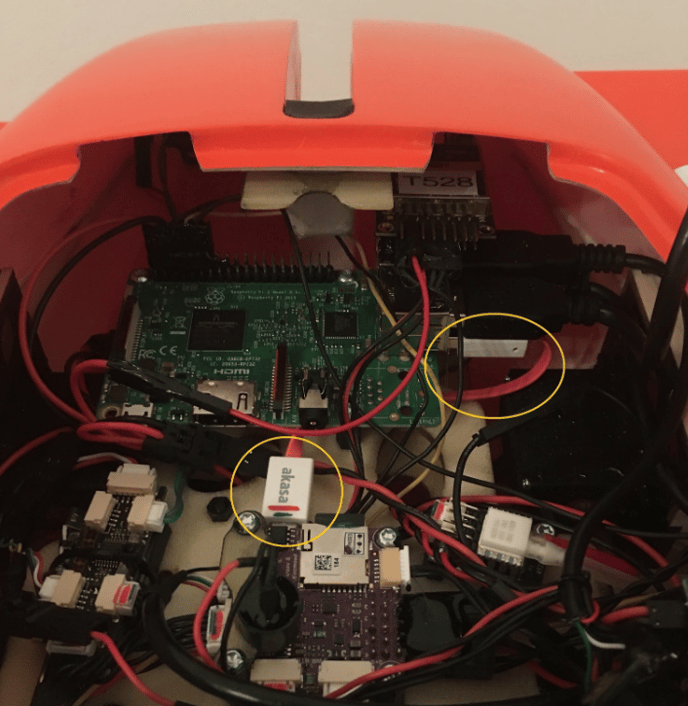
- First, unplug the faulty cable from the flight controller (purple board, bottom circle on the photo), and second, from the onboard computer (green board, top circle on the photo).
- If the side on the onboard computer is hardly accessible, you can unplug the cable attached to the top USB connector, but make sure to replace the connection afterward. In case the faulty cable is tangled to other cables, you can carefully cut it, but be careful not to damage other cables.
- The new cable is angled, shorter and black.
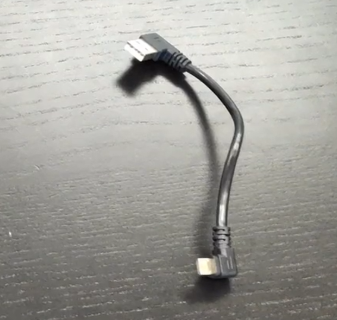
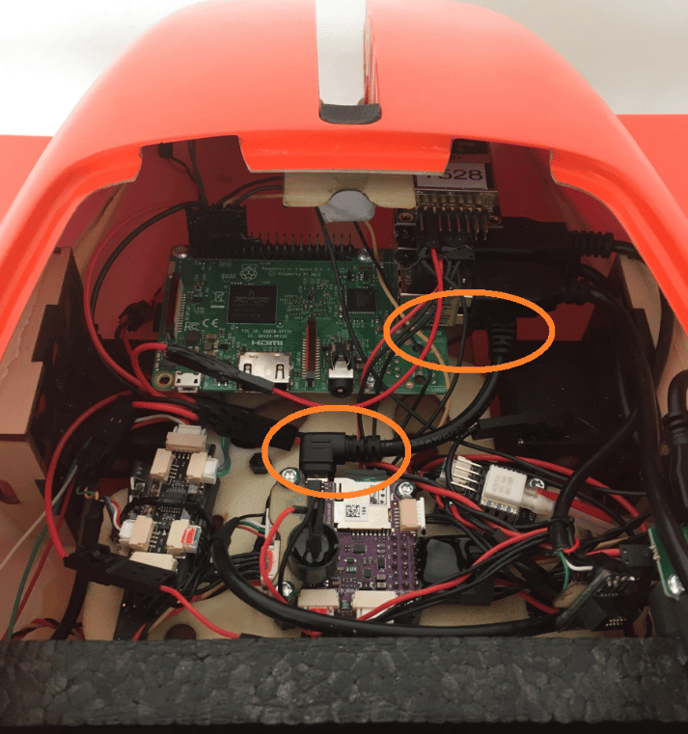
- Plug the micro USB connector with the narrow side facing up to the flight controller and the USB-A connector to the onboard computer in the same connector where you previously unplugged the faulty ”akasa” cable. This requires some force.
- You can discard the faulty cable afterward.
- After the cable is replaced, reinsert carefully the white cover first on the right side into the groove as pictured below.
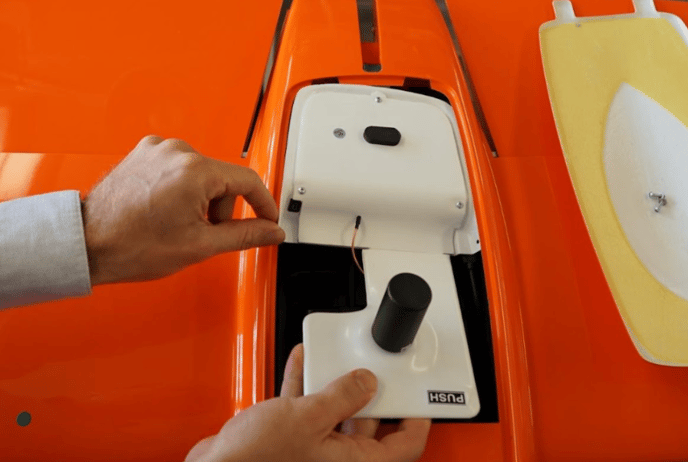
- Carefully push the edge of the white cover as indicated in the picture below to insert the other side of the cover into the groove.
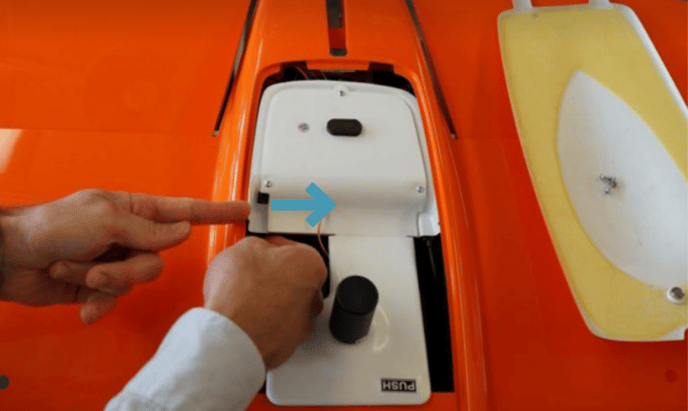
- Slide the white cover to the back. Pay attention that it inserts correctly into the groove at the rear.
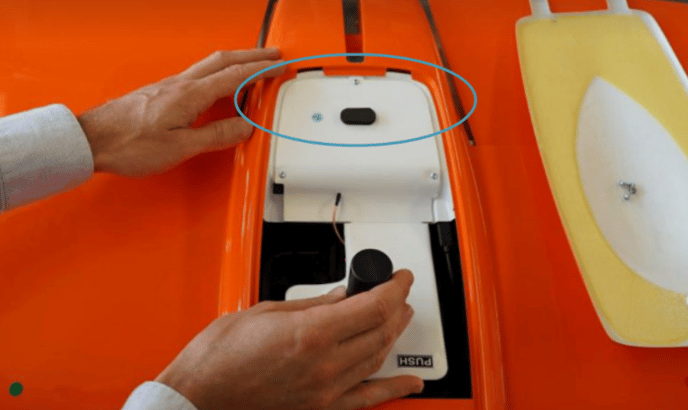
- Insert the two screws on the left and right. You may have to adjust the position of the white cover so that the holes match on both sides. Tighten the screws carefully.
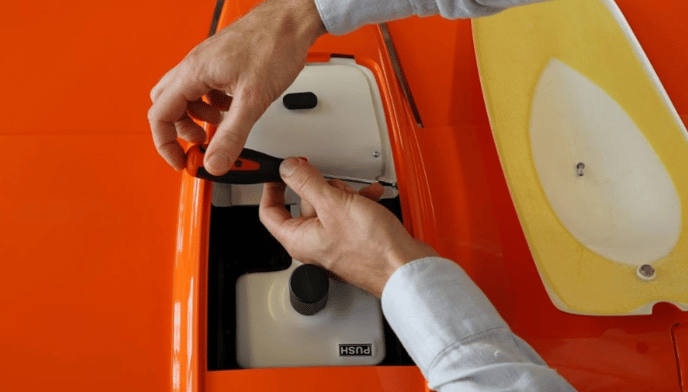
- Close the PPK lid by using the push button, and close the top cover.