If the bronze cable that connects the PPK antenna to the receiver breaks, this article will explain the repair process.
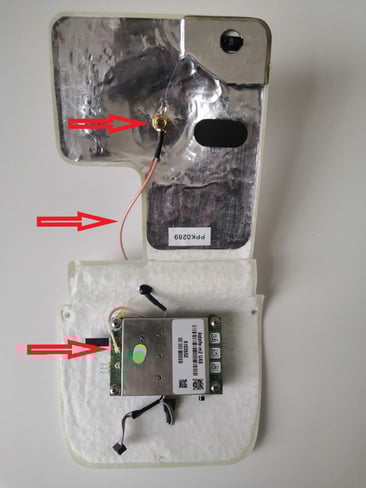
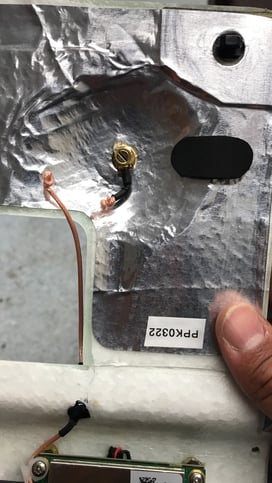
Required tools and parts
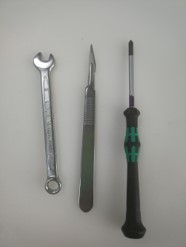
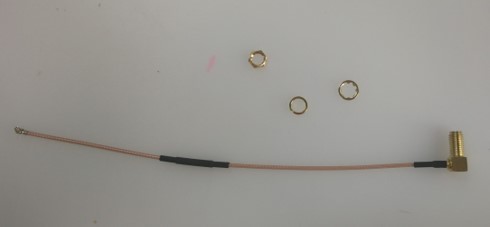
For this replacement you will need the following tools and parts:
- Phillips screwdriver
- Wrench Nr. 8
- Scalpel or knife
- Hot glue if feasible
Note:
The hardware seen in the pictures of this manual may vary compared to your WingtraOne, but don't worry, the process is still the same.
Preparation
- Remove the antenna from the PPK
- Read through the manual first and familiarize yourself with the steps
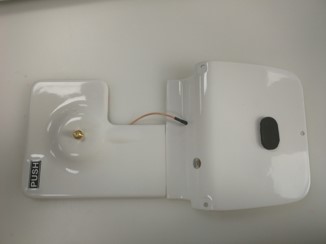
Disassembly part 1
- Remove the nut with the wrench
- Hold the cable also below to hinder turning it
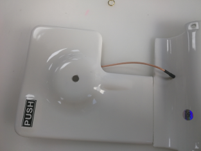
- Take the cable out by pushing it from the front
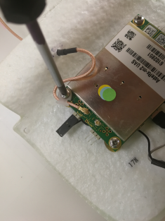
- Carefully cut away the hot glue—best to do it with a sharp knife
1.) 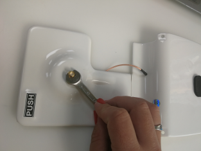 2.)
2.) 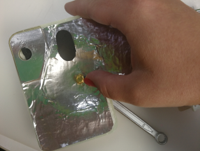 3.)
3.) 
4.) 
Disassembly part 2
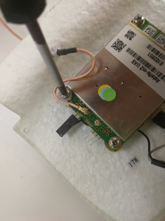
- Loosen the one screw where the antenna cable goes underneath, but only as much that you can move the white part
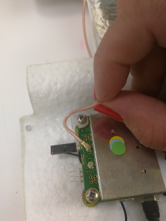
- Move the white part so that you can easily remove the antenna cable there
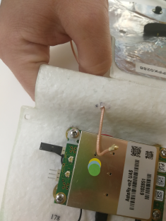
- Unplug antenna by pulling it upwards, and remove it through the hole in direction of the shielding
1.)  2.)
2.)  3.)
3.) 
Assembly part 1
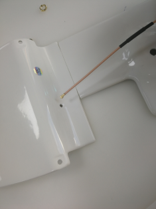
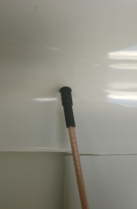
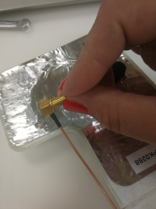
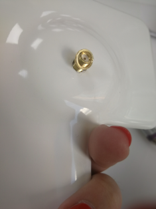
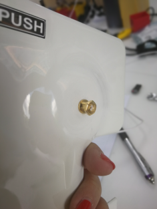
- Pull through the new antenna cable
- Pull until the cover is in the middle of the shrinking tube on the cable
- Putt the cutting washer on the antenna
- Put the antenna through the hole and add the spring washer
- Put the nut on it
1.)  2.)
2.)  3.)
3.)  4.)
4.)  5.)
5.) 
Assembly part 2
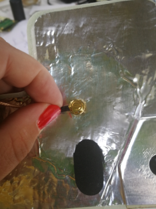
- While tightening the nut, hold the cable underneath in position—the nut should be so tight that you can’t move the antenna cable by hand
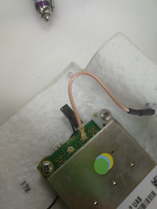
- Plug the antenna to the ANTA port
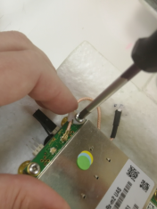
- Place the antenna below the cable guidance and push it so that it can’t fall out easily, and tighten the screw again holding it like this
- Put a small amount of hot glue onto the antenna cable
- Put the antenna back on
 2.)
2.)
 3.)
3.)
 4.)
4.)
Testing
- Connect the PPK connector to the E-cover
- Mount the PPK on the E-cover with the three M3x12mm screws
- Close the lid by pressing it down to the camera
- Make a short connection test by running the camera check (number 10 in the checklist in WingtraPilot), and see if the “info: PPK module detected” message appears if you press on the sound speaker symbol in WingtraPilot
- Proceed by flying a ~5min flight with your WingtraOne
- Download your local RINEX file for the time you made the ~5min flight, and make sure you change the interval to 1 sec if it is not already on 1 sec
- Use WingtraHub to analyze your PPK performance by clicking on the WingtraPilotProjects folder and selecting your ~5min flight session, your downloaded RINEX file and the base station you chose for the Rinex file; then start the process
- Check if the generated data pass the criteria below
- PPK fix percentage is >/= 70%
- Horizontal accuracy </= 0.1m
- Vertical accuracy is </= 0.15m
Updated 9/25/2019