Summary of Pix4D React and how it pertains to Wingtra's market
The initial take on my first use - Jack Wilcox
Problem:
Pix4D React looks to take on the limitation of having to process 3 steps before generating an Orthomosaic which is time consuming especially for large areas captured with high-resolution cameras. The previous method using Pix4D-Mapper involved processing the point cloud on step 1 and step 2 before producing an Orthomosaic on step 3. Some people need fast map generation and are not interested in running the first couple of steps or generating a point cloud. This limits the market potential for drones because processing images is time-consuming.
Pix4D Fields came out to address this more rapid 2D map approach for agriculture, but there is one limitation in that it doesn’t process at full resolution.
Definition:
Put simply, an orthomosaic map is a detailed, accurate photo representation of an area, created out of many photos that have been stitched together and geometrically corrected (“orthorectified”) so that it is as accurate as a map. The typical output format is a GeoTiff which is widely accepted in a majority of GIS/Survey software programs.
For more information on how orthos apply to business read this article:
https://uavcoach.com/drones-orthomosaic-map/
GIS and image analysis professionals differ from surveyors in demand for aerial data because they are more interested in the 2D map instead of the 3D point cloud which surveyors like most.
Solution:
Pix4D React is a simple image processing software run locally on a mobile computer. It allows you to create fast and accurate maps while in the field. Designed for public safety, emergency response, and disaster management to improve situational awareness and provide time-sensitive critical information.
After the flight, the photos are geotagged in WGS84 standard coordinates in WingtraHub by unclicking the CSV only box. You then simply upload the geotagged photos into React after you create a project.
The user can specify at what resolution and megapixel limit they want to process at. With our WingtraOne Rx1 payload, this allows users to generate accuracy on demand giving the user the flexibility to run ultra high resolution or faster turnaround by reducing the resolution.
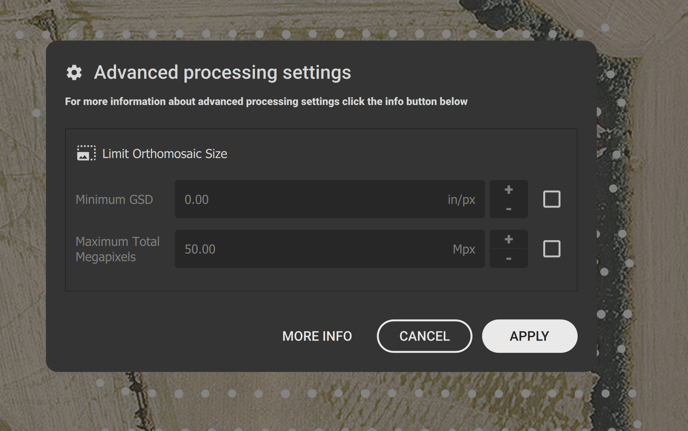
Another key benefit to this tool is we can process at 55% sidelap which increases our area covered to 500 acres per flight! It also reduces the number of images for faster processing. Because our camera has a full-frame sensor compared to other drones on the market we have a larger image footprint which allows our flight lines to be further apart which increases the flight coverage.
Application:
While the Sony RX1 is great in terms of surveying if we focus on emergency management 2D map demand I think the QX1 wide-angle lens is going to map larger areas more efficiently and create a faster turn around for map processing. For detailed missions where resolution is needed to classify small objects, the Rx1 is a better-suited choice. I would bundle a 15mm QX1 with Pix4D react for users who want to potentially map a 1000 acres in 2 flights then process in under an hour.
I ran a test processed 663 images 11.5GB data at 55% side lap and 50% front lap. 400 acres 32 min flight. 42mp Sony Rx1Rii.
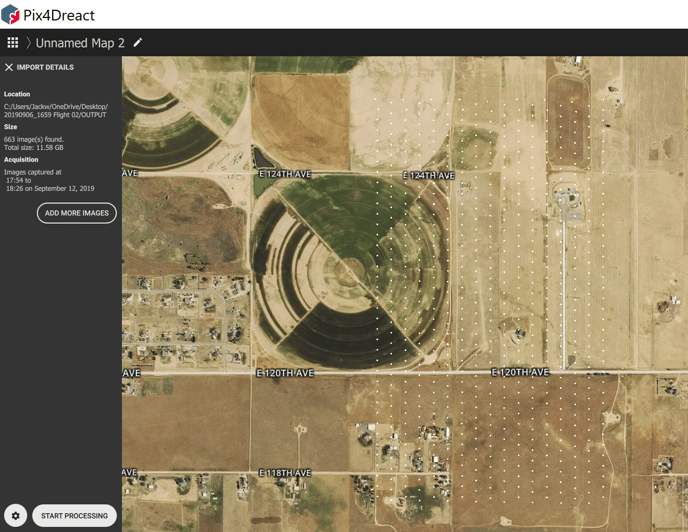
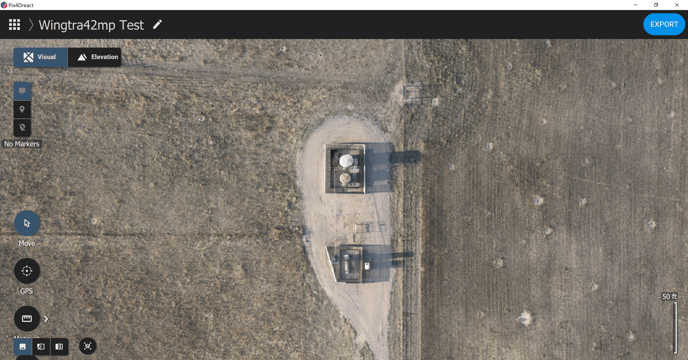
It took 1.25 hours to produce an orthomosaic on full rendering. You must place the images on the desktop or local storage and not process on the SD card or it will slow you down by 60%. The lowest overlap settings had some artifacts due to wind, but overall the map looks pretty darn good!
Hopefully, this helps unlock some of the potentials for drones that Max mentioned in a Monday meeting. Go forth and help the world with this knowledge!