For cases that people cannot PPK geotag their images due to missing .sbf file in the project folder
Description
At the end of the flight an error message is displayed in WingtraPilot:
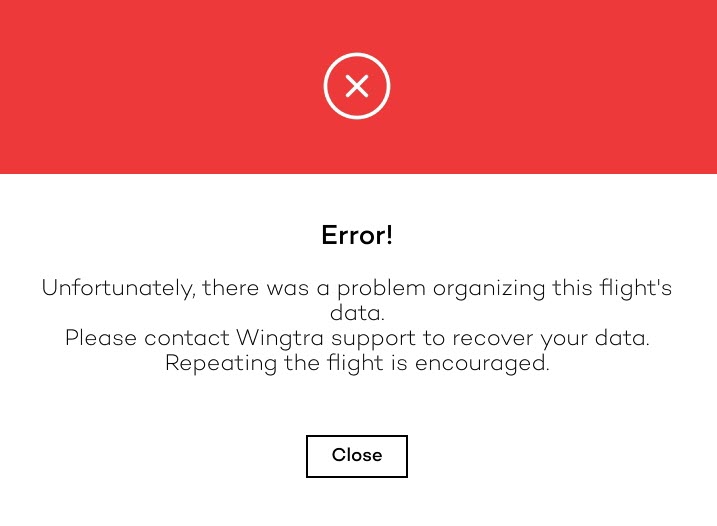
The .sbf file cannot be located in the project’s folder. The .sbf file might be located in the recovered_data folder. However, it is empty (0 file size). The obc logs indicate that for some flights the PPK initialization fails (ppk_init_status is False). It is likely that the failing flights are in-between successful flights.
Problem
There are some early PPK modules that might display connectivity issues in some flights. These are sporadic occurrences and do not appear with the latest modules.
Always check the serial number of the PPK module. If there is a serial number, the effected early PPK modules did not have a serial number yet - if there is a serial number, you are facing a new issue! FYI: The list of planes with an early PPK module can be found in the following issue.
Solution
The PPK module of the unit needs to be replaced. We should ship a replacement module to the customer.
The instructions to replace it can be found in the article Service: PPK Module.
Do not forget to cross out the WingtraOne ID of the replaced PPK module in the Github issue.
Communication
This is a rare occurrence that is related to the first PPK modules we shipped. More specifically, some of the early PPK modules might display connectivity issues. The communication between the module and the onboard computer can fail on some flights. This does not occur anymore with the later modules. To solve the problem permanently, we will ship a replacement PPK module to you so that you replace the one in your drone. Please find the instructions on exchanging the module here.
Unfortunately, it is very unlikely that we will manage to retrieve the data of these flights. I hope this does not cause a big issue for you. We apologize for this inconvenience. Please let us know in case you need assistance with the exchange of the PPK module.