- Help Center
- Wingtra Internal
- Known issues
Known issue: Keyboard application crashed during an update of tablets, TabActive to Android 9
This article is to guide you on how to fix the problem with the virtual keyboard
In case the customer receives a message on their Wingtrapilot (as seen on the print screen), please guide them to the following process:
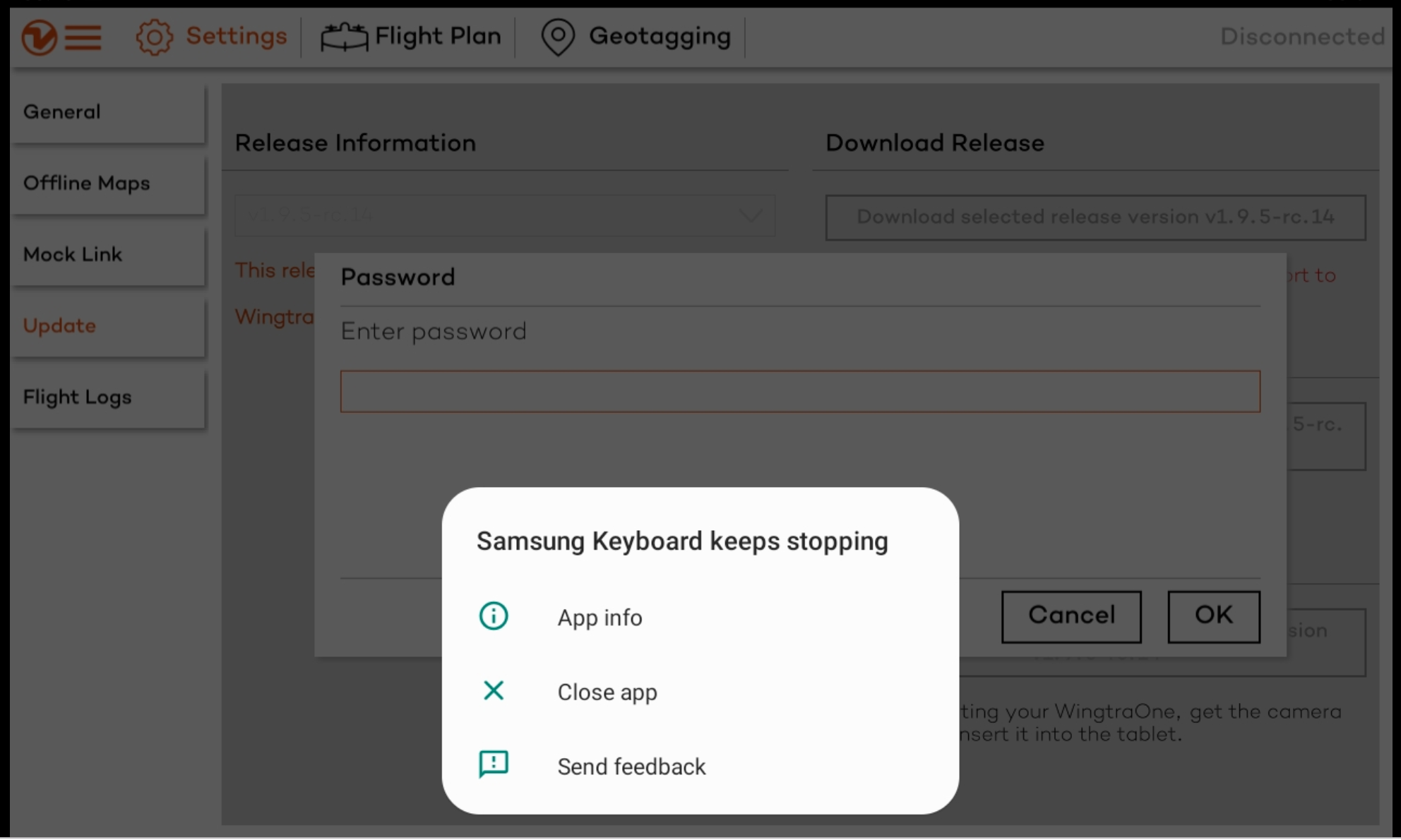
1. On the crash popup click on 'App info'
2. Then click on 'Storage'
3. The final step is to click on both 'Clear data' and 'Clear cache'
After this, the keyboard application should be functioning properly.