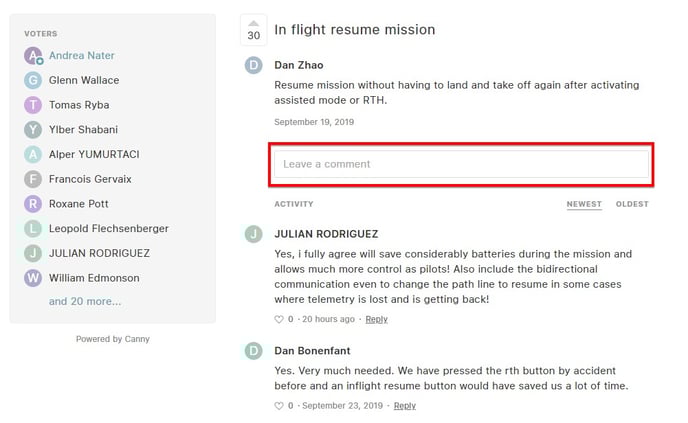
Use our feedback community portal under feedback.wingtra.com to make feature requests and suggest product improvements
We use Wingtra feature requests for tracking and organizing feature requests from our customers. This way you can have better insight in future improvements and new features of WingtraOne.
Register/Log in
The first step in using Wingtra feature requests is to create your account.
1. On the web page feedback.wingtra.com click on Log in/ Sign up in the top right corner

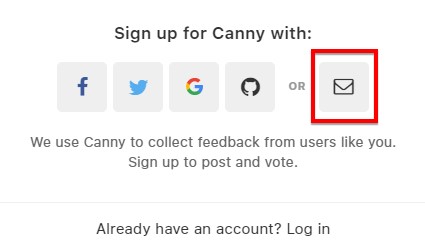
2. Click on the icon on the far right
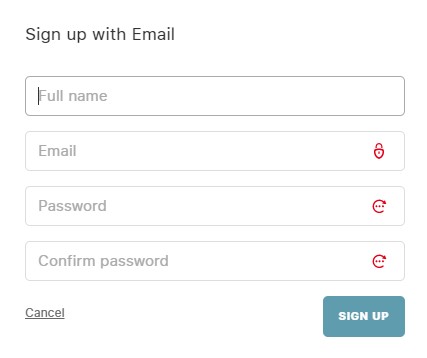
3. Fill in your name, email address and password. Please use the same email address you use when contacting support@wingtra.com or sales@wingtra.com
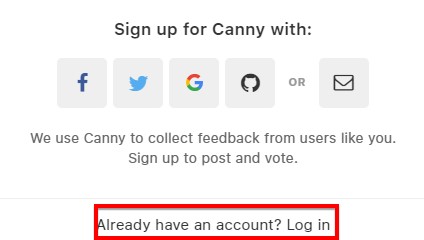
4. Once you have created your account you can simply log in by using username and password you provided during sign up process.
Wingtra feature request main page is very simple. Two key functionalities are:
- Roadmap
- Give feedback
Roadmap
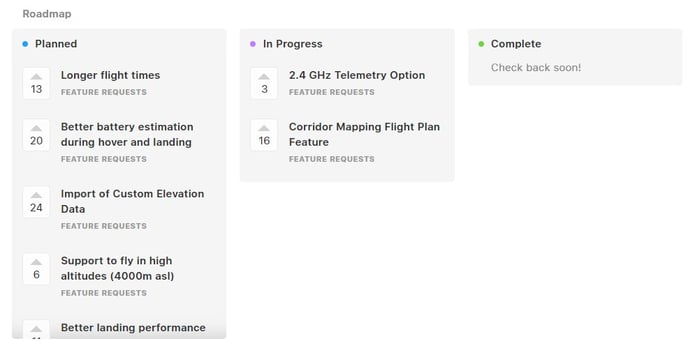
Roadmap gives you an overview what is the status of existing feature requests.
Feature requests
There are multiple options in this board:
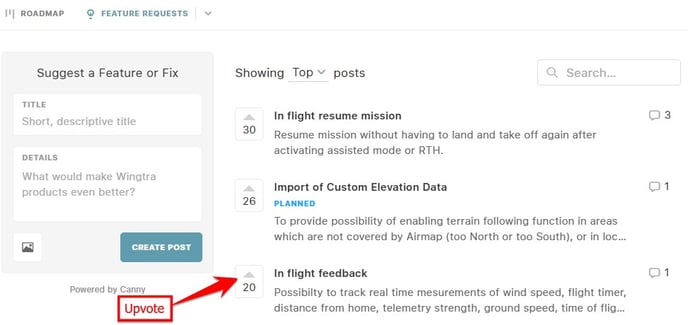
- Upvoting one or more existing requests
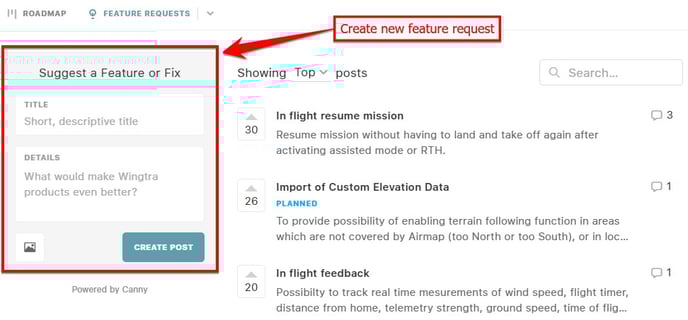
- Creating a new feature request
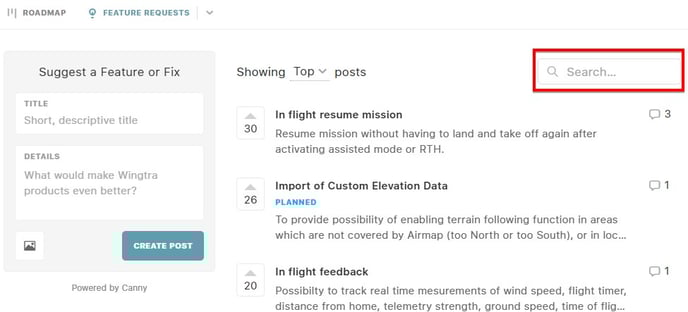
Note: when creating a new request please use the search tool to make sure that the same request does not already exist.
By clicking on one of the existing requests you can see it’s full description. Below the description you can read the comments posted by other users or leave your own comment.