- Help Center
- Troubleshooting
- Advanced Troubleshooting
How to capture images to assess battery damage
If your battery failed, the Wingtra team might want to take a closer look at the insides. Open up the batteries as instructed only if Wingtra Support tells you to do so.
FOLLOW THE INSTRUCTIONS CAREFULLY. DEVIATING FROM THE DESCRIBED PROCEDURE CAN BE DANGEROUS.
IN CASE THERE IS HEAT, SMOKE OR SMELL GENERATION, STOP THE PROCEDURE AND LET THE BATTERIES OUTSIDE TO RECOVER.
1) Work on a non-metal, non conductive surface outside or with direct path outside.
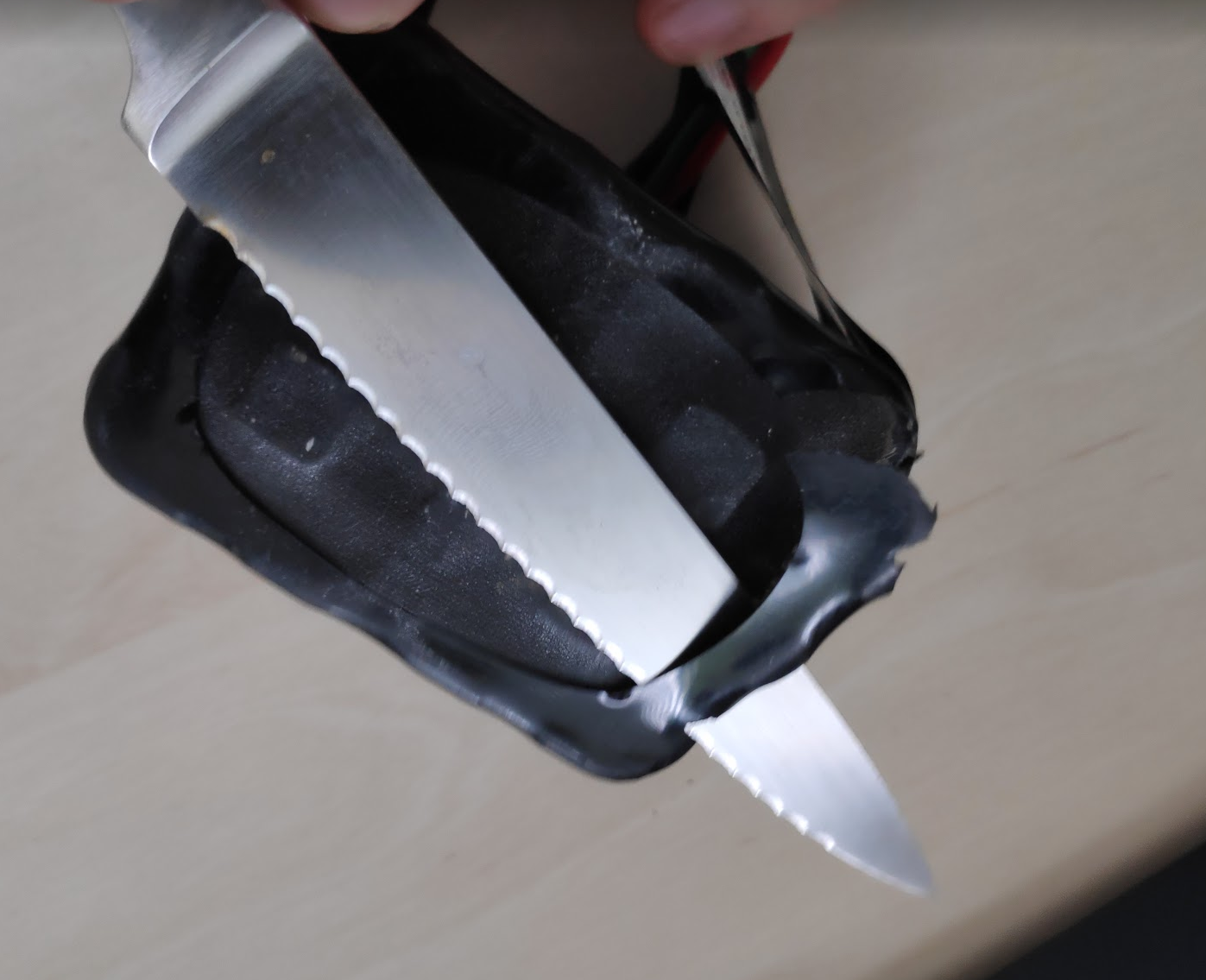
2) Use a knife making a cut into the outside "shrink-wrap" as shown. Don't try to pierce the battery anywhere else but this outside plastic part.
3) Once a cut is made, the wrap can be removed by hand. Make additional cuts only as necessary.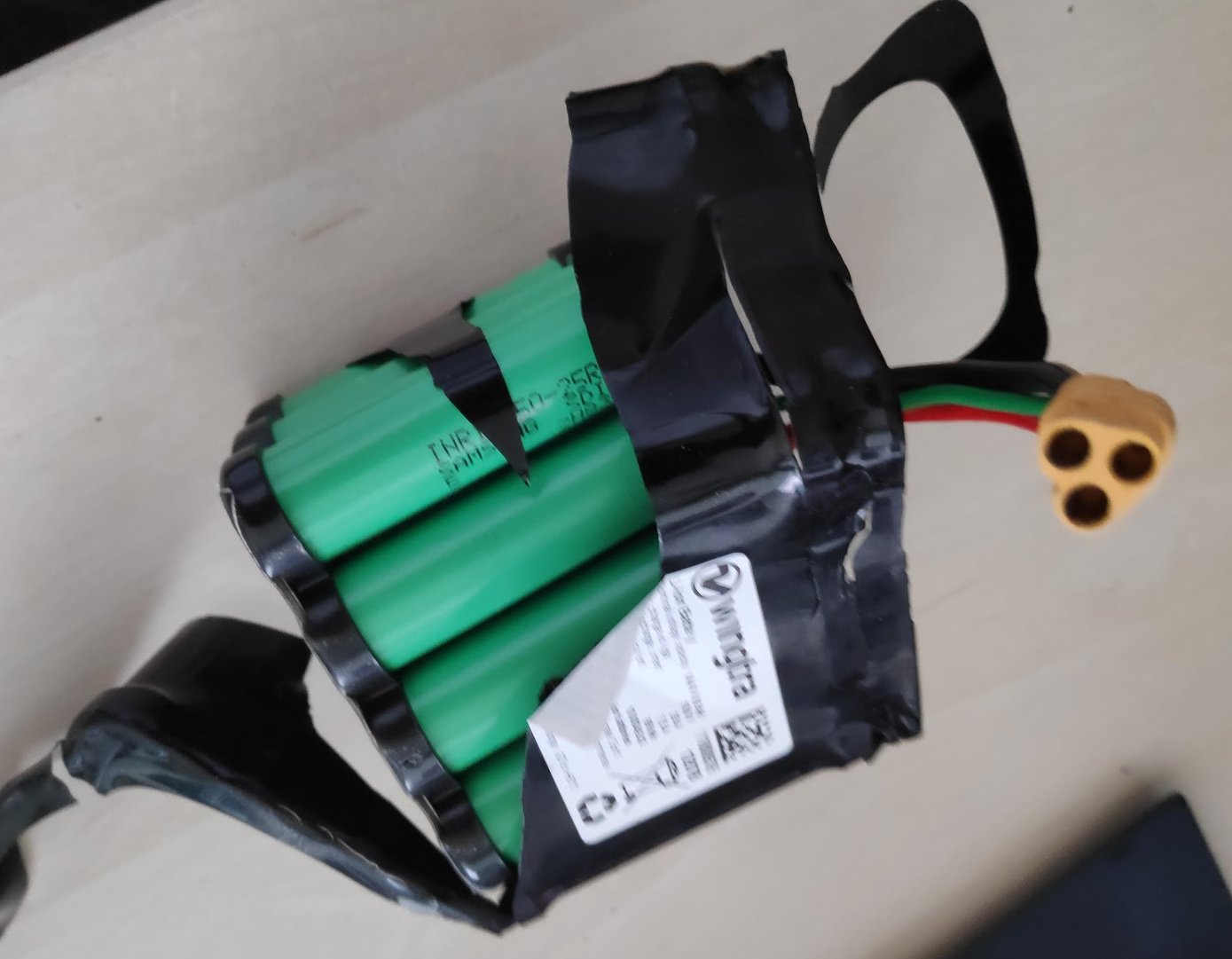
4) Remove the tape at the bottom.
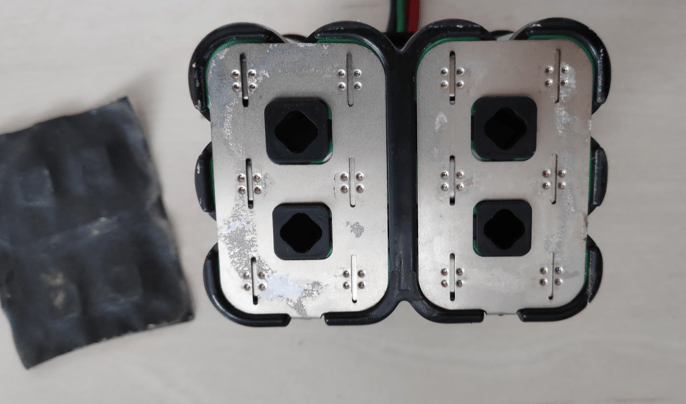 5) Take detailed close up pictures from all 6 sides as shown below. Add additional pictures if you see anything suspicious that you want to highlight.
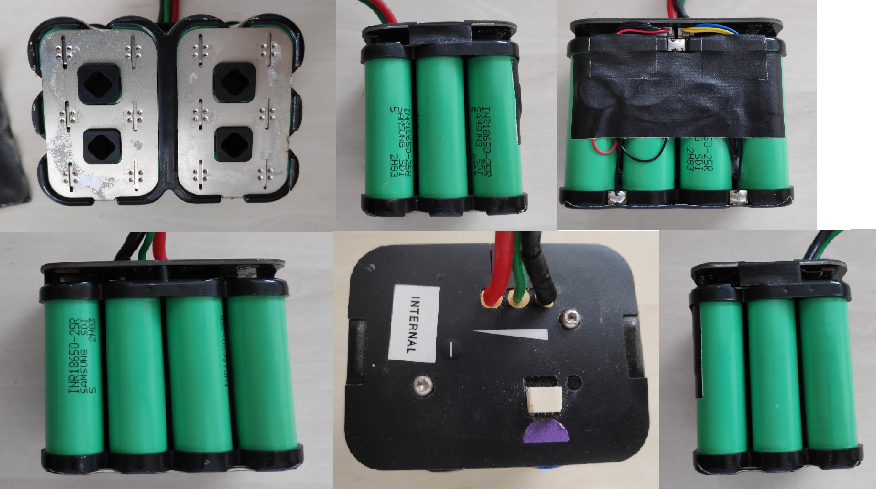
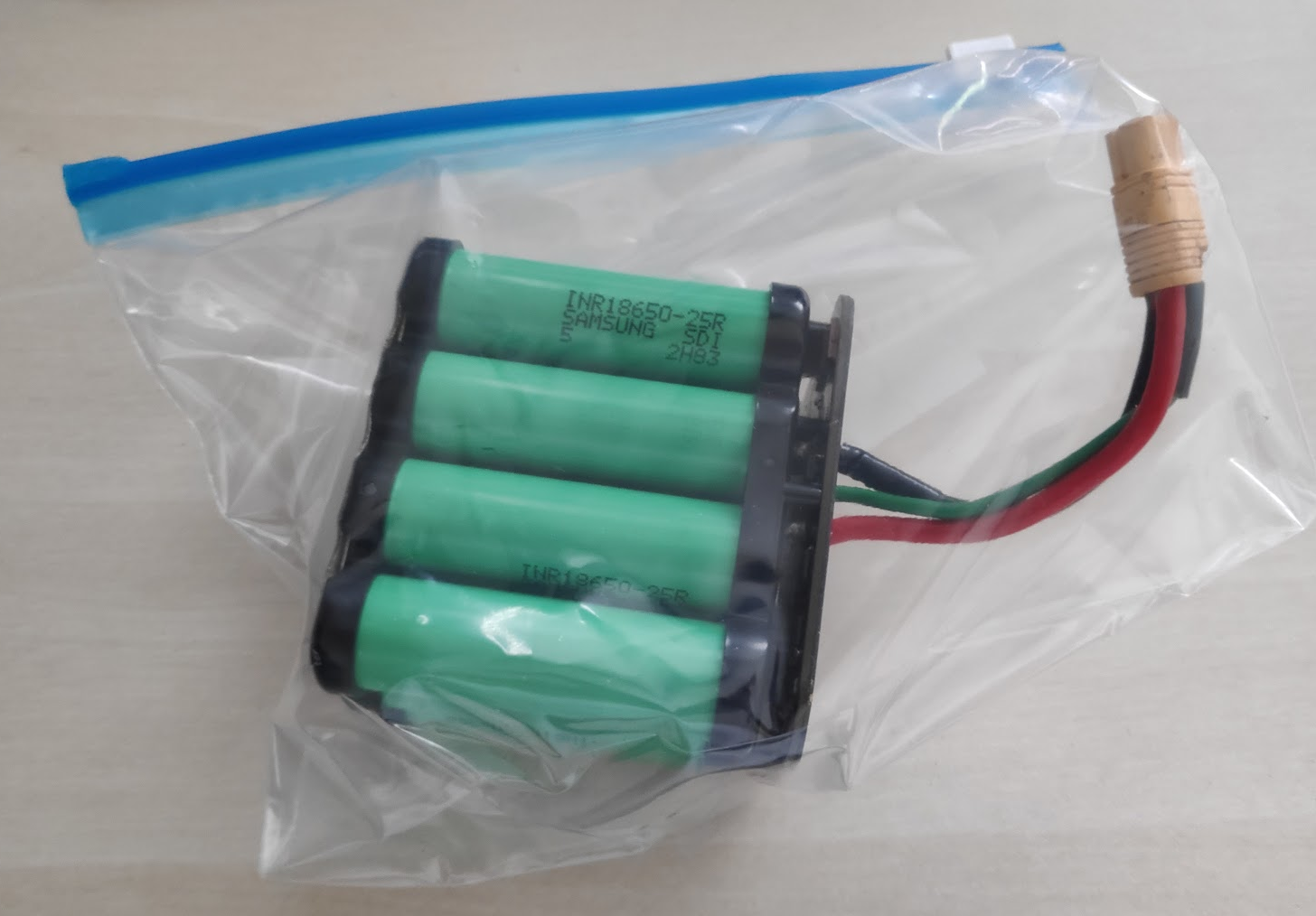
6) After taking the pictures put the battery in a plastic bag for protection. MAKE SURE THE UNPACKED BATTERY DOES NOT TOUCH ANY METAL OBJECTS, AS IT COULD LEAD TO SHORT CIRCUITS.