- Help Center
- Wingtra Internal
- Sales enablement
How to remove auto resizing in newsletters
When editing the email on Hubspot's email builder, you might find blurry images due to it's auto-resizing feature. Here is how to fix it without having to make a whole new email template in the design tools
To fix this, do NOT add it as an image module like below.
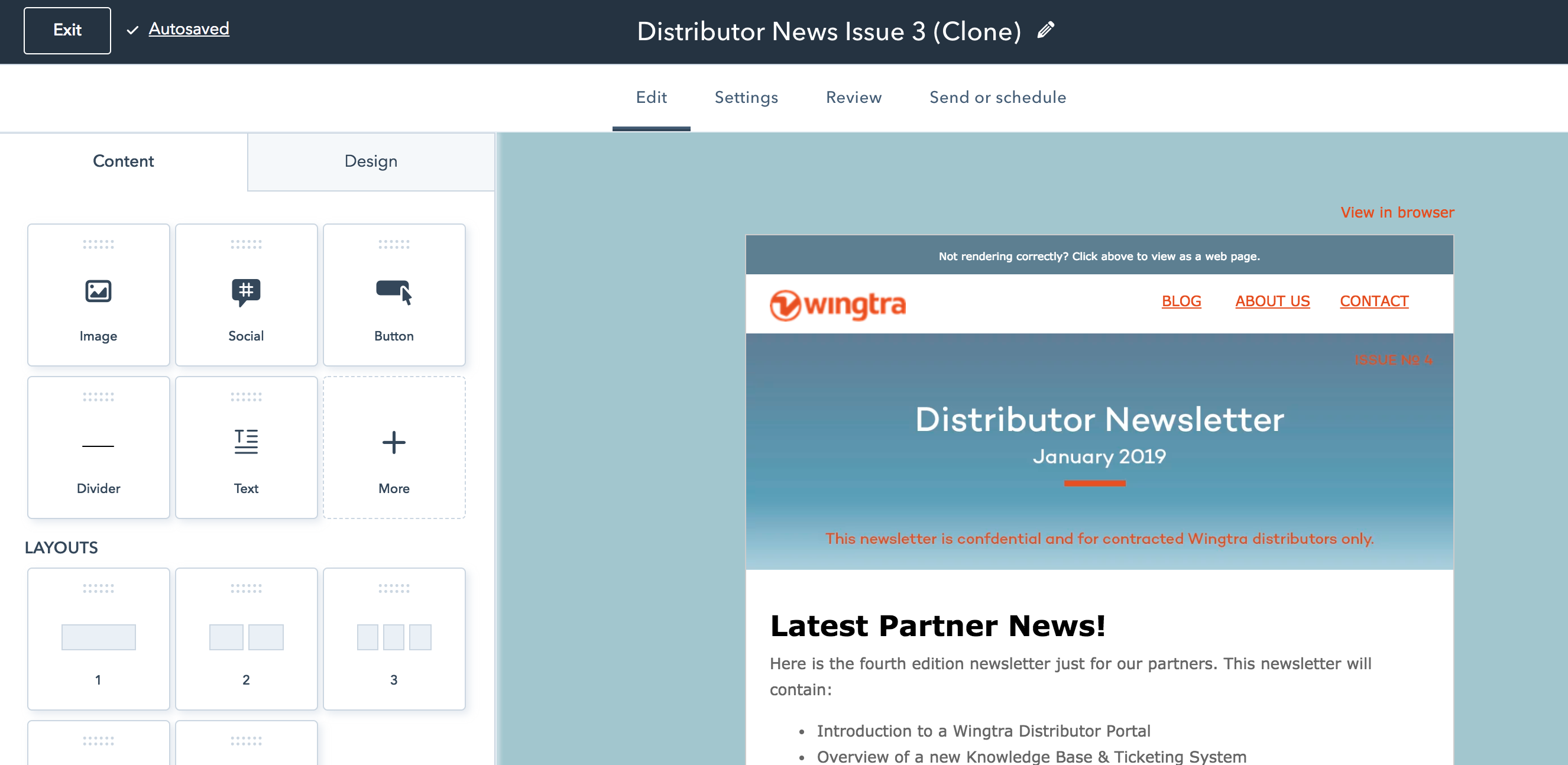
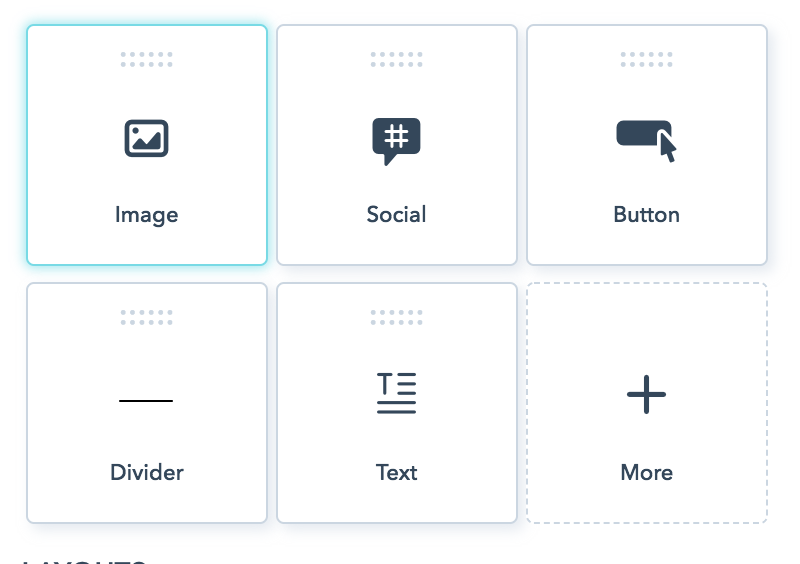
Instead, press ((( + More )))) And then add HTML
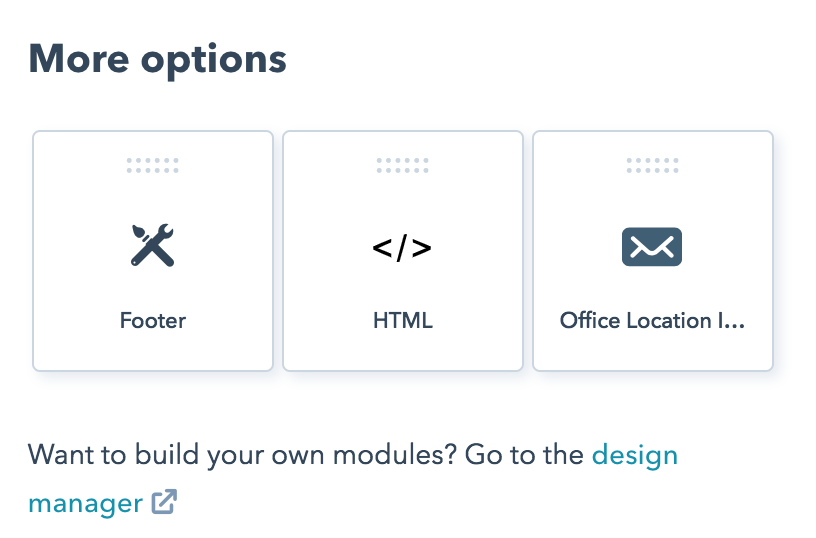
Then add it to your email, and find the image url in Hubspot Files and stick it there
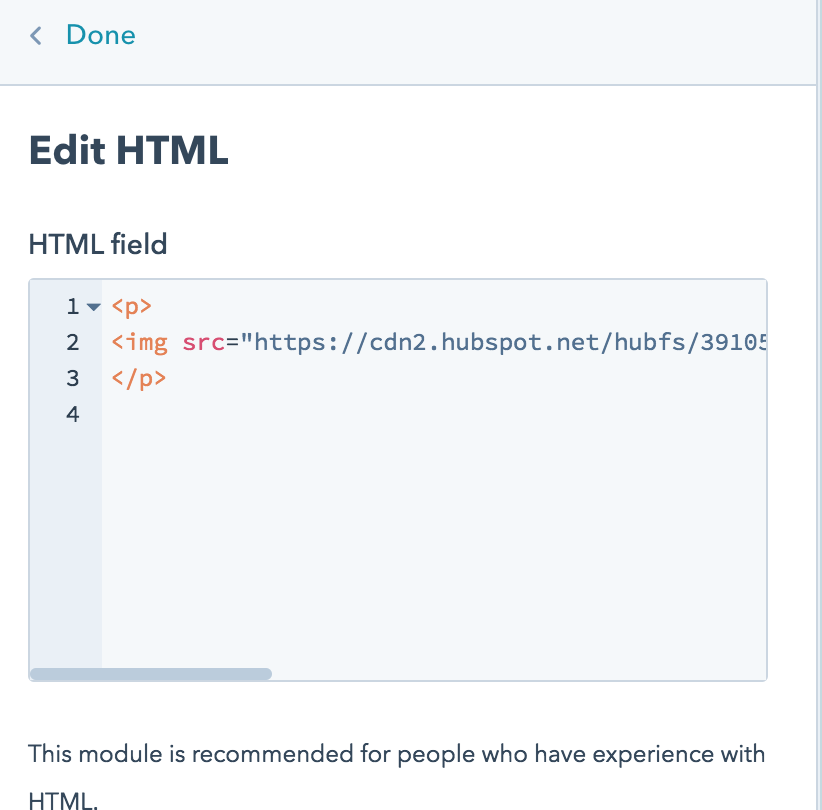
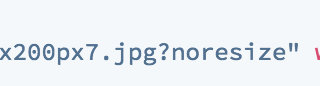
Make sure you add (((( ?noresize ))) to the code so that it doesn't resize automatically
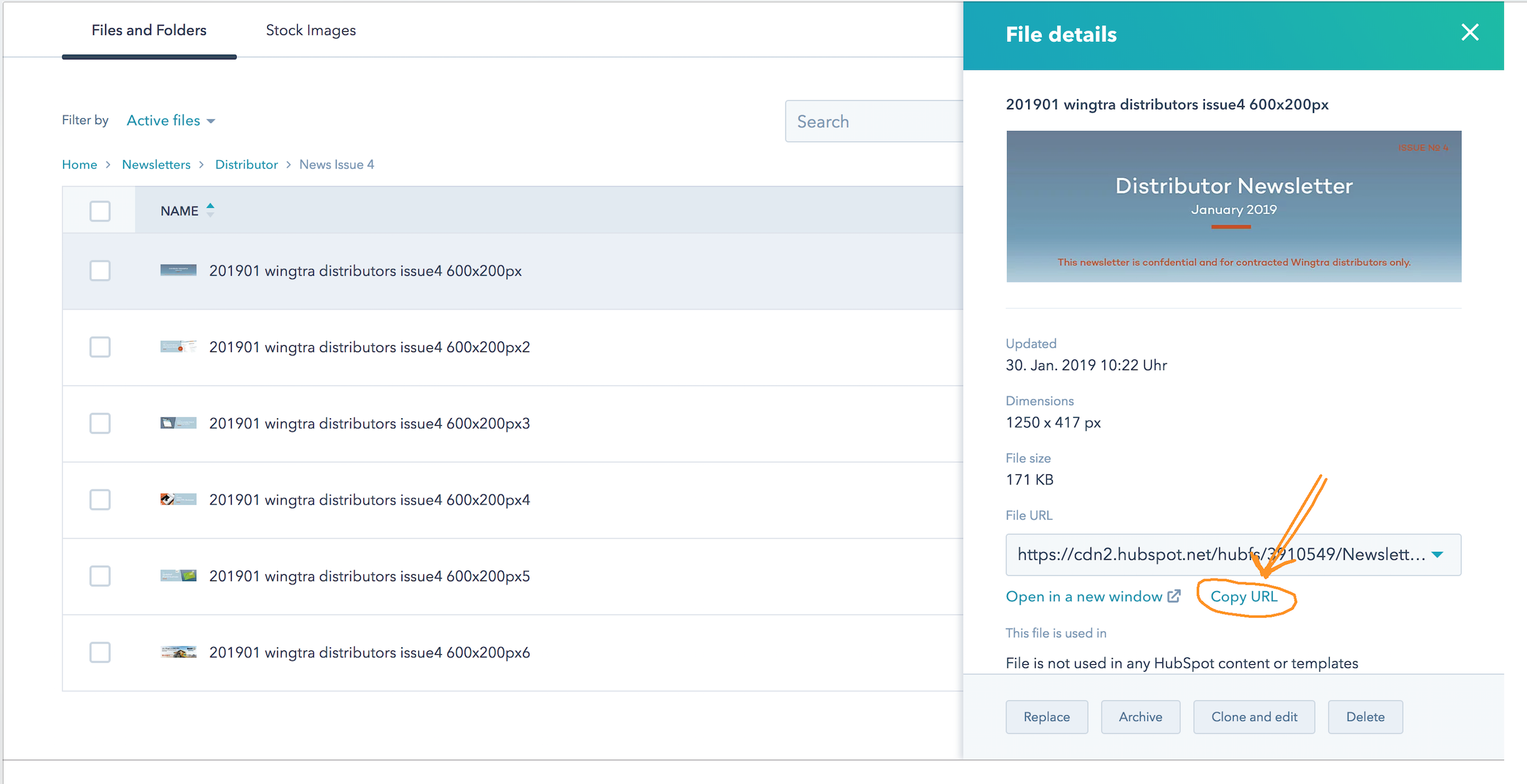
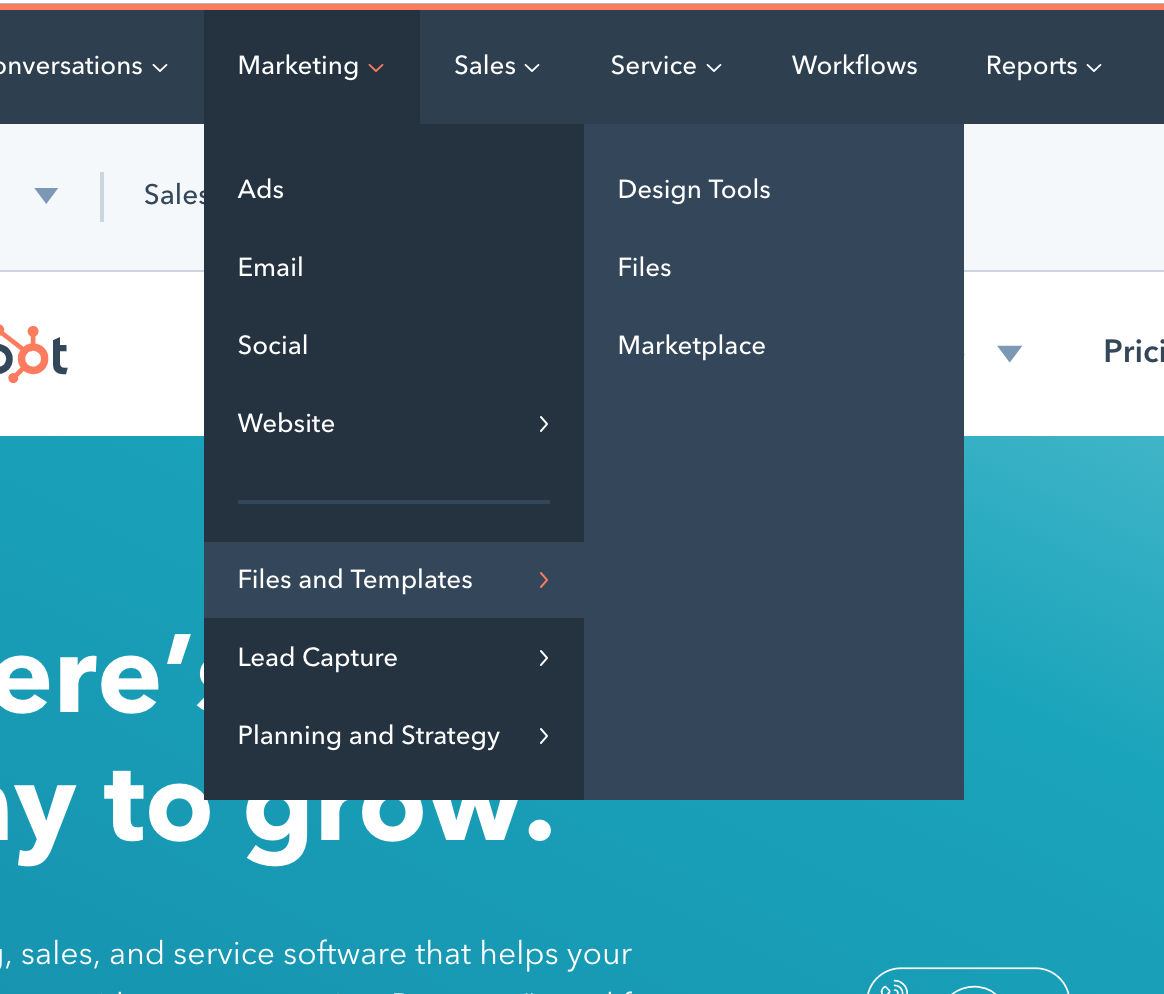
To get the URL for your image: go to Marketing > Files and Templates > Files - and find the image you want to use.
Once you've found your image, click the image and then press "copy URL"