- Help Center
- Wingtra Internal
- Customer Success - Get Started
How to merge tickets
The following article describes how you can merge tickets and how you can ensure to not loose information.
In case two tickets about the same incident/topic were opened you can merge them to one ticket. This can happen if the ticket form is filled out more than once or if more than one support engineer was working on the same case.
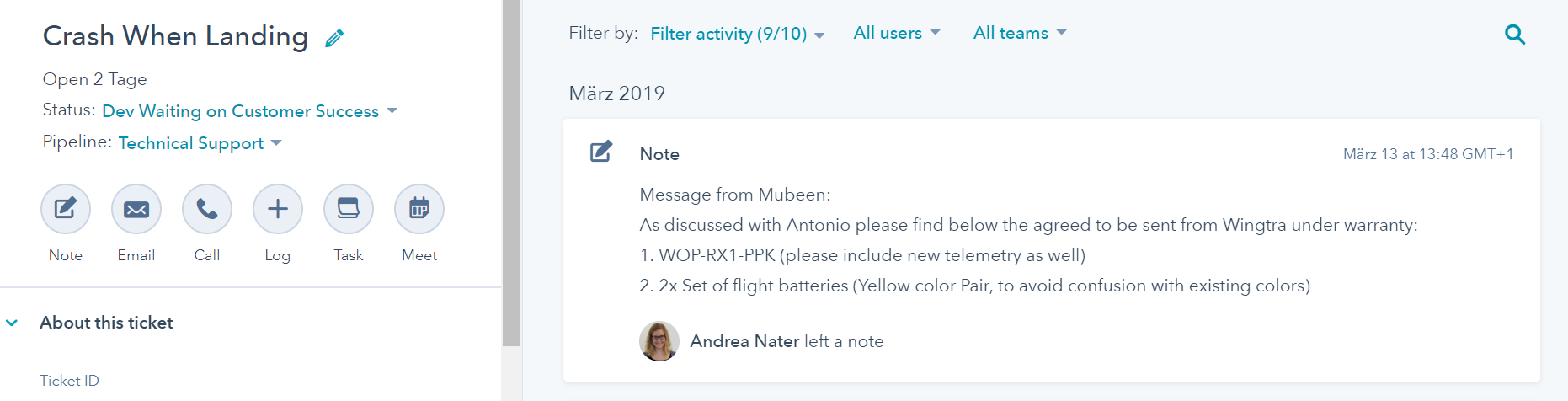
- Go to the original ticket which contains the properties (owner, description, R&D cause, ...), which you would like to keep.
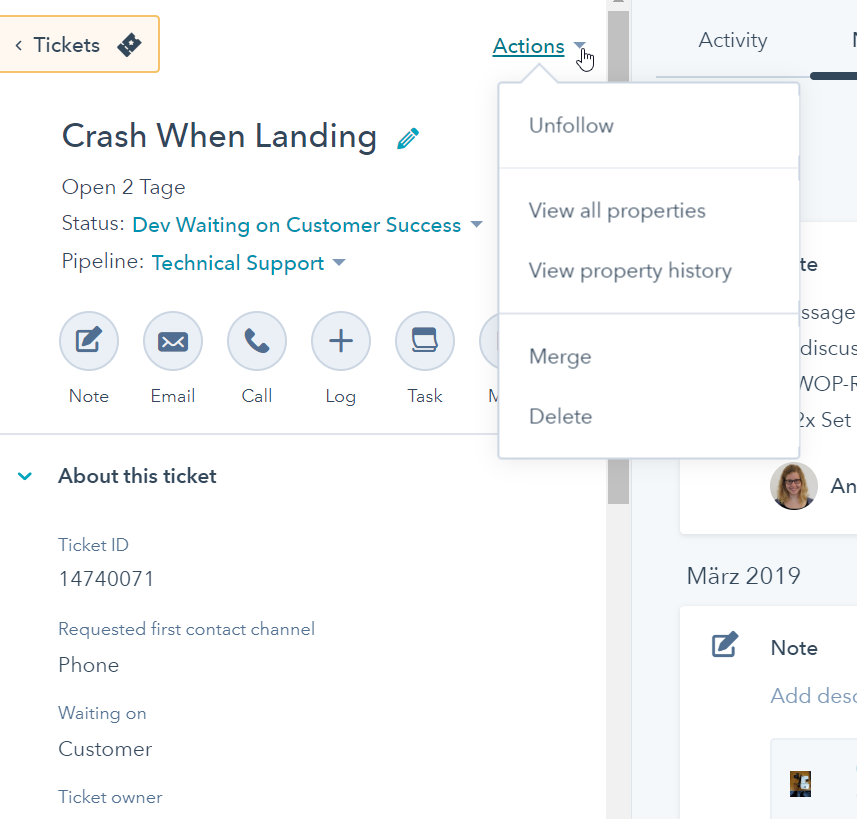
- Click on Actions > Merge.
- Select the ticket which you would like to merge. The new ticket will have a new ticket ID and contain all timeline content of both tickets (attachments, notes, emails).
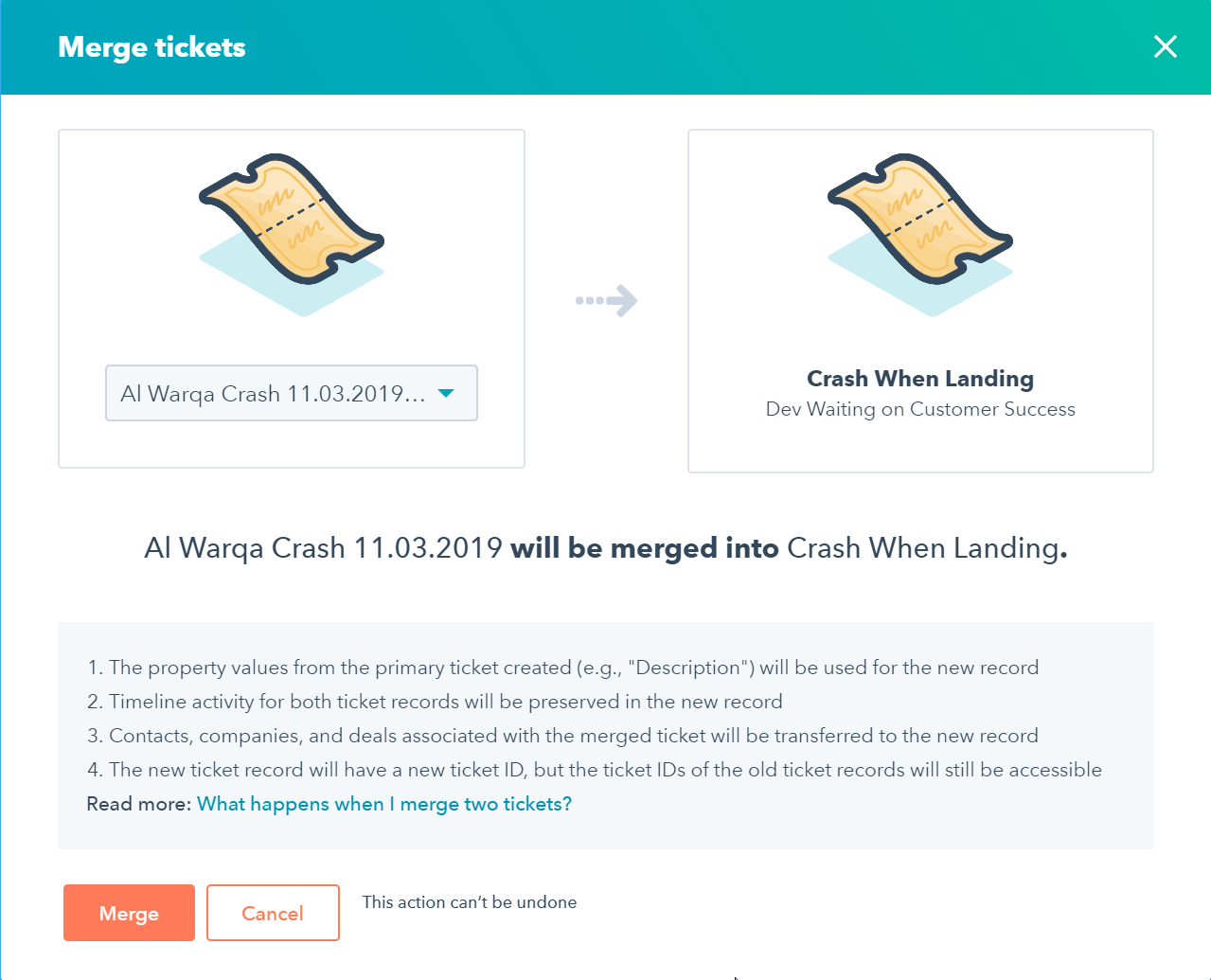
- Be careful, you cannot undo merging and the properties of the merged ticket will be gone. Therefore, make sure to copy the properties which you might need later into a note. For example if it was opened by the ticket form, the message from the customer will only be in the description and therefore lost after merging if you have not saved it as a note.