How to get the most out of HubSpot
You will learn some tweaks that will save you time creating documents from templates, automating email campaigns and scheduling meetings.
Sequences
If something is missing from the explanation here, (Create and edit sequences, use sequence queues)
1. Go to "Automation --> Sequences". Take some time to familiarise yourself with all the features and think of which one you would actually want to use. Have a look the set of pre-made sequences to chose from, they may serve as a good inspiration in terms of length and wording.
2. Customize the content of your sequence - you may also want to create tasks as reminders or todo list to follow up with these people.
3. Ask one of your peers to review the sequence before saving and activating it!
4. Start saving a lot of time and attention following up :)
Templates
If something is missing from the explanation here (Create and send templates)
Meetings
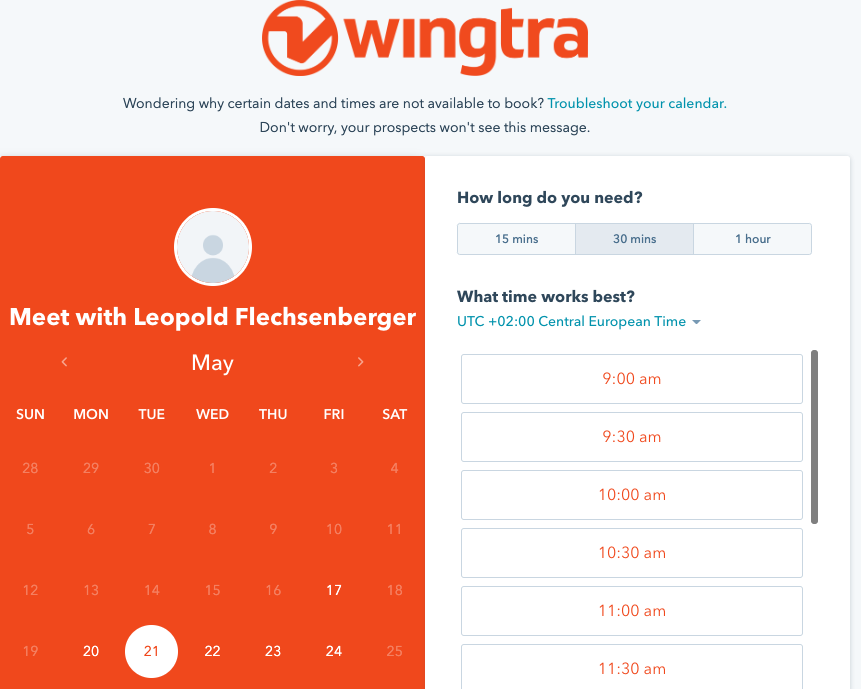
Learn how to setup the meetings tool here.
Use this tool if you want to significantly save time on scheduling calls. Especially helpful when communicating across different timezones! You can specify your availability, the minimum notice time, buffer time and many more. Take some time to look through the settings - its worth it and will save a lot of time later on.