How to create and follow tickets as well as guidelines on how to making the life of support agents better.
Following Tickets and Keeping up with Support Communication
Hubspot gives you powerful tools to follow exactly what you want. Generally you have to setup notifications and grab what you want. Support agents don't cc you by default.
Follow Records of Interest
Follow companies you are responsible for (as owner you follow companies automatically, I believe). You can also follow specific tickets, contacts or deals.
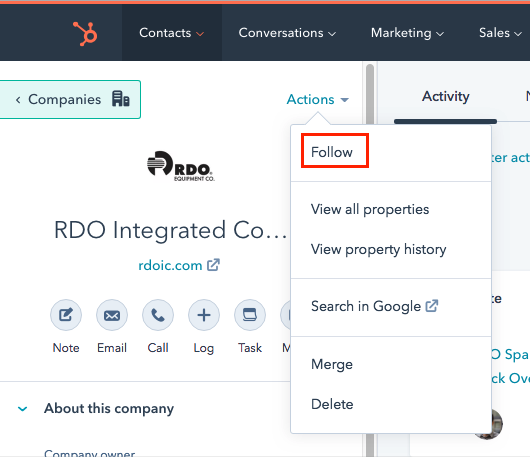
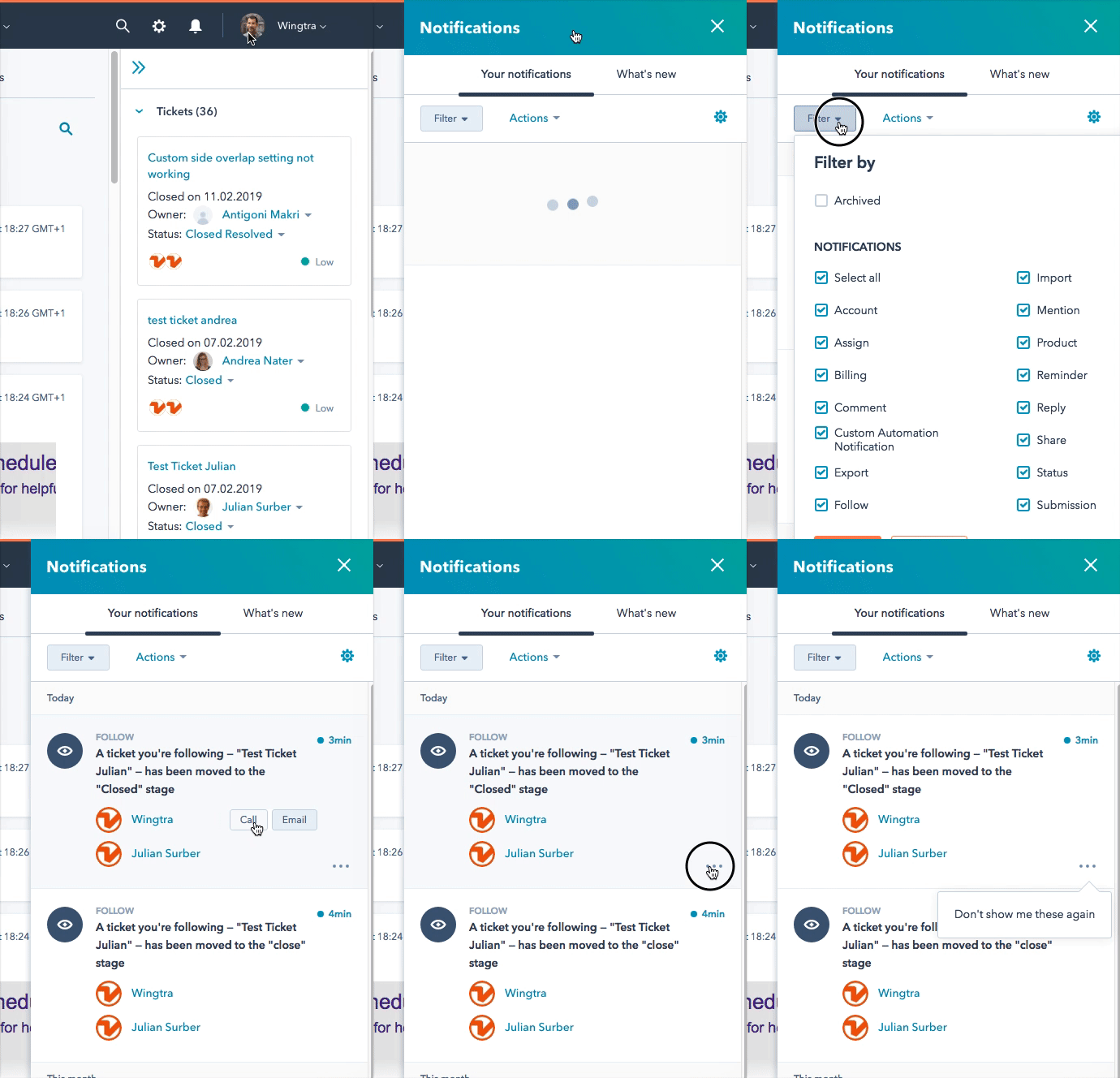
You can then set the exact type of notifications you want to receive in your Profile & Preferences. Hubspot also gives you sounds for floating notifications:
.gif)
Filter all your notifications in the notification center:
If you want something more specific, it is possible to setup workflows that capture specific actions on Hubspot and either send you an email, notification, or sms. Talk to Leo or Basil if you want that.
Knowledge Base
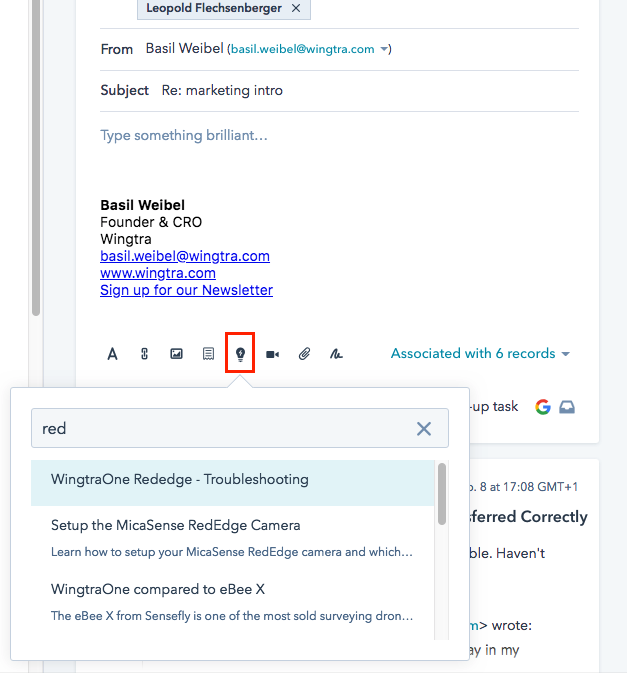
Using knowledge base as sales resource
In many cases you can use the knowledge base as sales ressource, for example you can find educational content as well as case studies there.
When to Create Tickets
- You run into technical issues with customers during visits / demos
- You get contacted with support requests
- You hear about product issues, malfunctions, feature requests, shipping issues, or other things that don't go as they are supposed to go
- Reporting more means more gets fixed
- You are encouraged to directly create tickets. Often you will be able to add contextual ticket properties.

Creating Tickets
A ticket contains one support case or incident (as a deal contains one transaction). There are multiple ways of creating tickets.
Email support@wingtra.com (recommended)
You can email our support team directly into their inbox. This is the most direct way of getting to them. All other requests are rerouted here.
Please do NOT cc the support person that you see as likely (or even know that they will be the ones working on the ticket). It's simple, just put everything through support@wingtra.com.
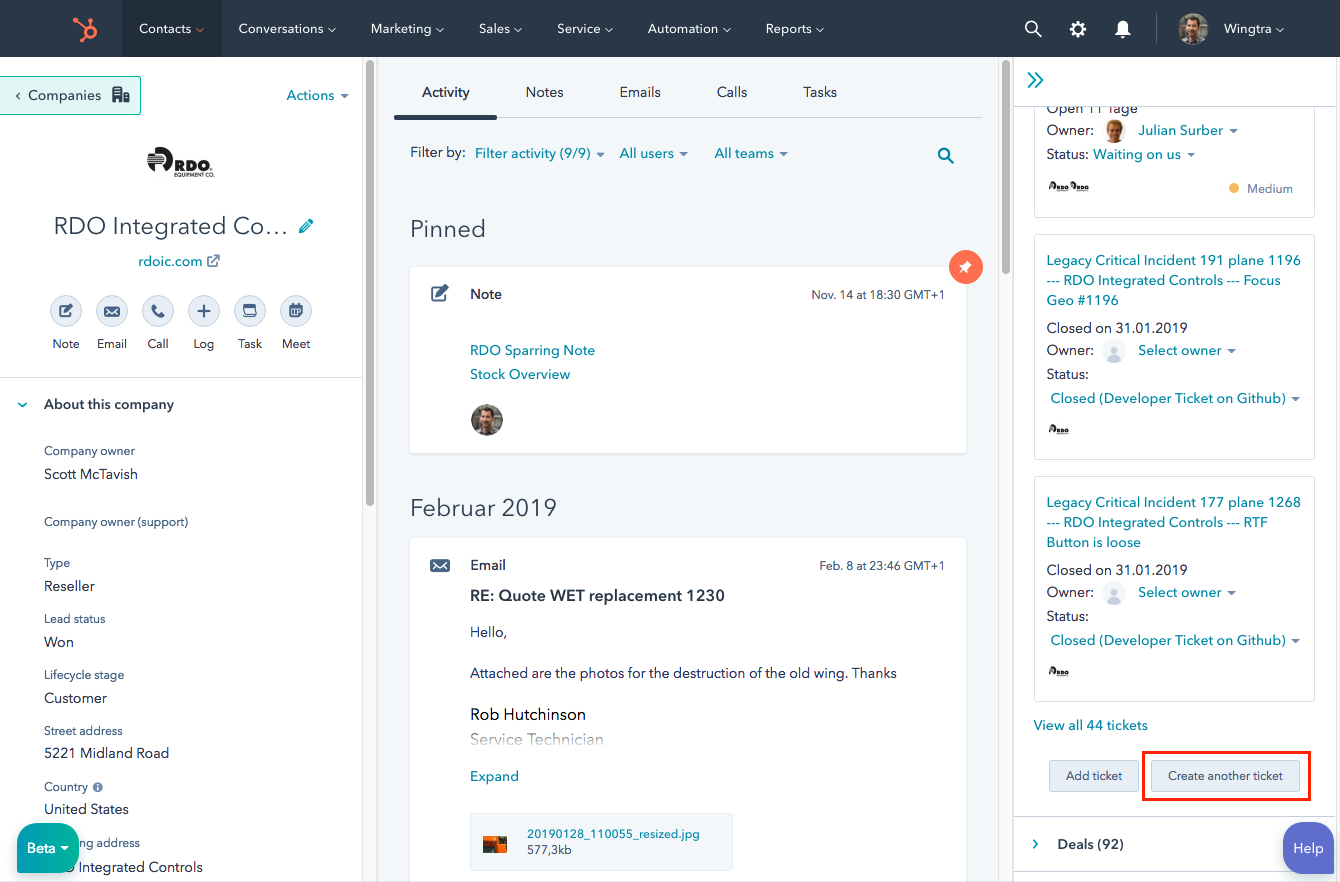
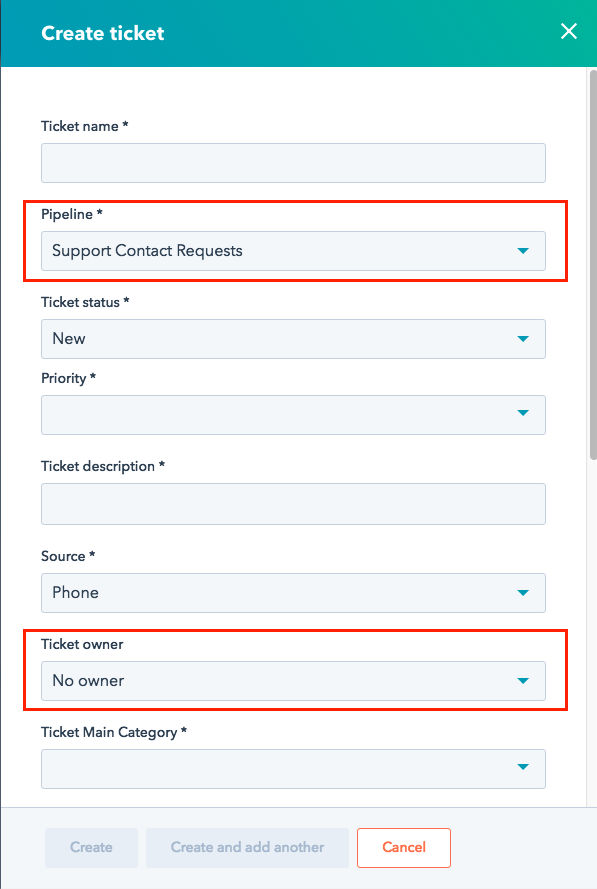
Create ticket on deal, company, or contact record (recommended)
Creating a ticket from another Hubspot record gives you most control on populating properties of a ticket. If you do so make sure to:
- Always choose the Support Contact Request pipeline
- Do not assign a ticket owner (otherwise no support agent will take the case)
- Associate with the right contacts and company
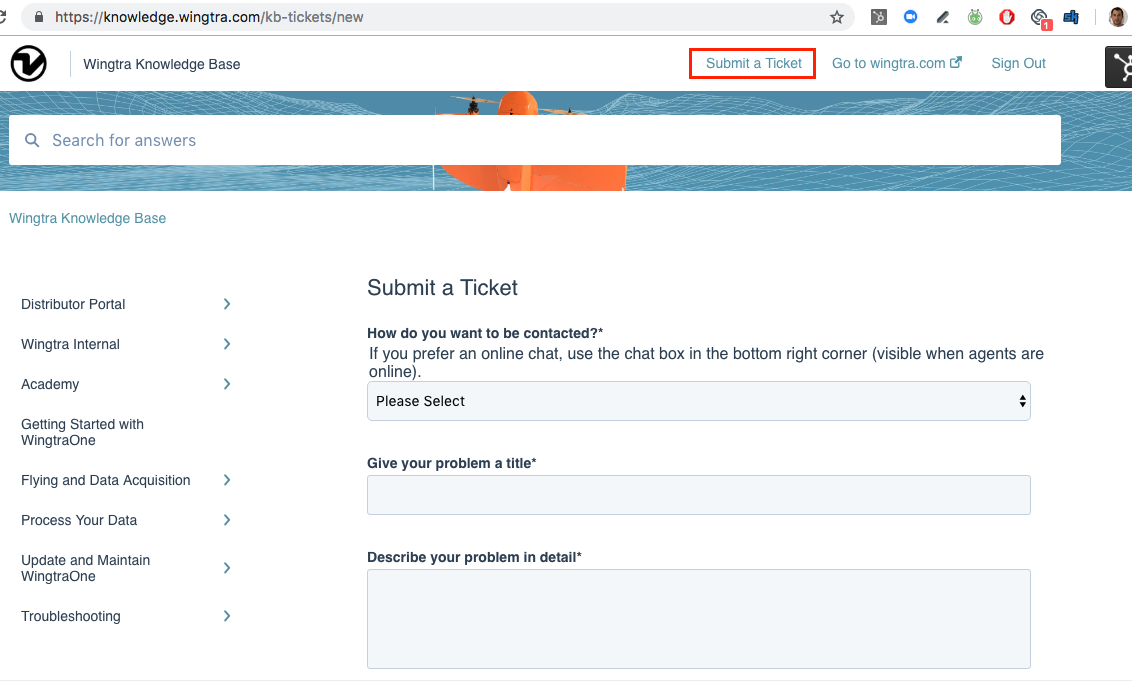
Knowledge Base Form (recommended)
There is a form in the knowledge base that creates a ticket in the support contact request pipeline. If you want to have more control over ticket properties, it makes sense to create tickets from within Hubspot.
Call our Support Voicemail (not recommended)
You can leave a message on the voicemail of our support team and they will call you back as soon as possible. If you want to include some additional information (for example the vehicle ID) it is easier to create a support request via the support form. All phone numbers go to the same voicemail.
- Denver: +1-720-573-2960
- Zurich: +41-43-550-05-27
Skype Chat (not recommended)
- Skype is our internal communication tool.
- You can ask regarding availability or for attention i.e. "Who is available to call me back" or "Can somebody look at ticket X".
- All other support communication (especially problem descriptions, technical questions, feature suggestions) have to go through other support channels (see above). This is because skype does not get tracked, so we don't create stats about problems reported in skype which ultimately means, the underlying problems will not be addressed.
Adding Information to Tickets
Add a note and mention people with @ sign. Notes are the equivalent to a post on a github issue. Read up about how to filter tickets and ticket classification.