The following article provides an alternative way to update your WingtraOne to the firmware release v1.15, if the standard process does not work successfully.
The standard update procedure and first troubleshooting guidelines are described here.
The following steps enable a user to force WingtraOne to update to the release 1.15. At the same time logs are downloaded. It can be useful, in case WingtraPilot indicates a problem with camera or telemetry connectivity.
- Download the rescue files (.px4 and .sh) from the following link.
- Copy the two files mentioned above on the camera SD card.
Update through RX1R2 SD Card
- Lift one flap up from zero position to a non-zero angle (it‘ll automatically go back to zero position when the process successfully finishes).
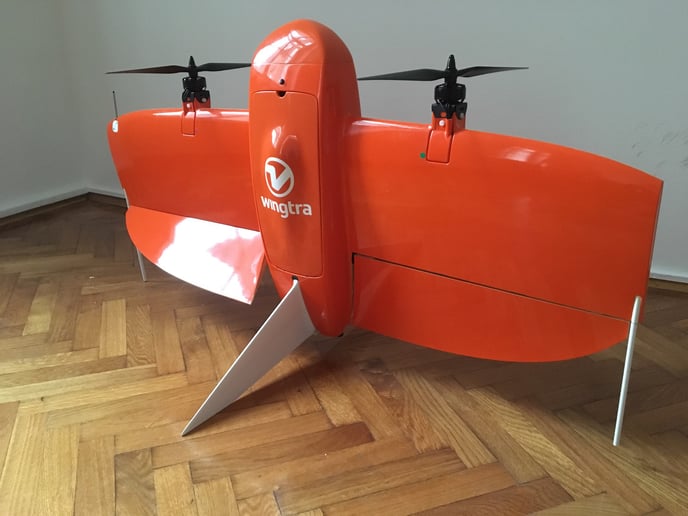
-
Put the SD Card into the camera, make sure the camera is connected to WingtraOne.
-
Keep an eye on the camera screen, better record the camera display on video for documentation.
- Connect the flight batteries and wait.
- The firmware update starts automatically when the script is recognized by the drone. When standing behind the flight battery compartment and looking through the hole below the universal payload connector, it should start blinking white. Before and after the firmware update it is blinking green.
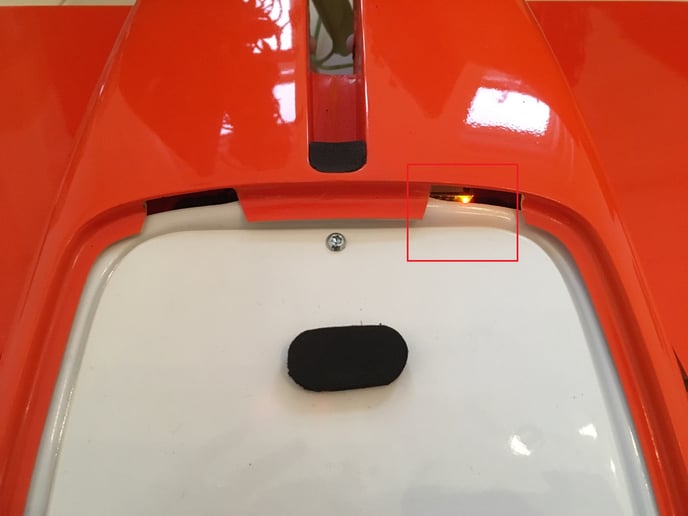
- Once the process has finished, the flap will go back to zero position automatically.
- Connect the telemetry to the tablet and start WingtraPilot, you should get a notification that the plane successfully updated. Click OK.
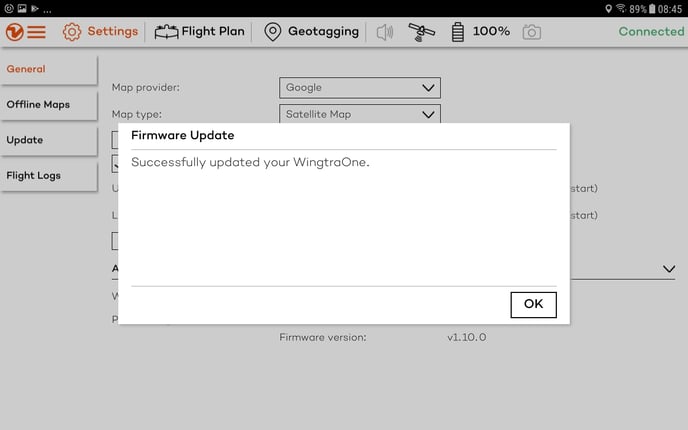
Update through QX1 SD card dongle
- Disconnect the Payload by unplugging the UPC cable.
- Follow the same steps as mentioned above instead of putting the SD card into the RX1, plug it into WingtraOne directly using the SD dongle.
- There will be no feedback until the flap goes back to zero position. This process can take up to 5 minutes.