- Help Center
- Maintenance and Replacements
- Basic Replacements
Replace the wing
Learn how to replace the WingtraOne main body (wing) in case of damage or malfunction.
This replacement is recommended to be carried out by all customers themselves. Wingtra's warranty is not affected by this replacement.
Step by step instructions
Step 1 Insert the new camera
The instructions refer to the Sony RX1 camera. In case you have a different payload, check the section Payloads and Accessories for step by step instructions on how to insert the camera.
- Lay the new wing down on a flat surface e.g. table, with the nose pointing to you.
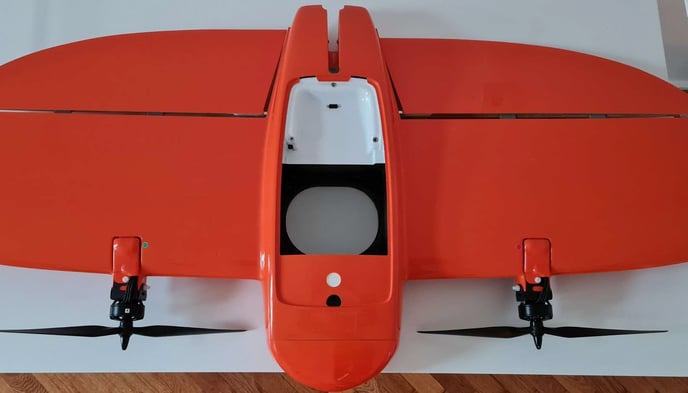
- Take the old camera mount with the camera inside it. For instructions on how to place the camera into the mount see this article.
Please make sure not to overtighten the screws which hold the camera mount in place. If you have a torq screwdriver, please make sure that you do not use more than 0.3 Nm of torque. Overtightening these screws can cause damage to your drone.
Step 2 (Optional) Install the PPK module
Step 3 Close the top cover
- Take the top cover and close the WingtraOne payload area
Step 4 (Optional) Rebind the RC
We highly recommend operating the WingtraOne without using the remote control (RC). This is the default setting in WingtraPilot. However, in case the RC is still used, the instructions on how to rebind the old RC with the new wing can be found in the Rebind Remote Control article.