- Help Center
- Maintenance and Replacements
- Payloads and SD cards
Remove and place camera retainer
This article explains how to remove and install the camera retainer into the wing. The camera retainer is used to stabilize the camera during shipping or traveling.
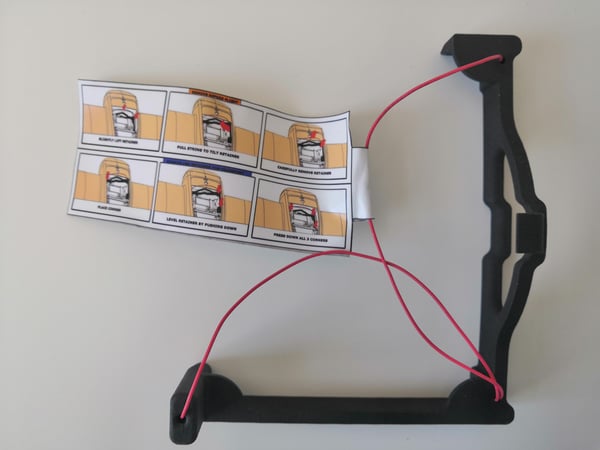
Step-by-step instructions
1. Remove the retainer
Step 1 Open the top cover
Step 2 Open the PPK cover (optional)
Step 3 Pull the retainer
Step 4 Remove the retainer
Step 5 Close the top cover
- (if applicable) Close the PPK cover using the PUSH button.
- Close the top cover.
Before removing the retainer for the first time, watch the following video:
2. Place the retainer
Step 1 Open the top cover
Step 2 Open the PPK cover (optional)
Step 3 Place the retainer
Step 4 Close the top cover
- (If applicable) Close the PPK cover using the PUSH button.
- Close the top cover.
Before placing the camera retainer for the first time, watch the following video: