- Help Center
- Troubleshooting
- PPK Module
PPK module: Hardware inspection (GEN II)
Learn how to inspect the PPK antenna on GEN II units, including whether it is tightly screwed in.
At the end of each flight, the Wingtra system automatically evaluates the overall data collection performance so that users can proactively plan interventions in case issues are flagged. One of the potential issues that can come up is related to the quality of the PPK signal during the flight. WingtraPilot flags this error as shown below.
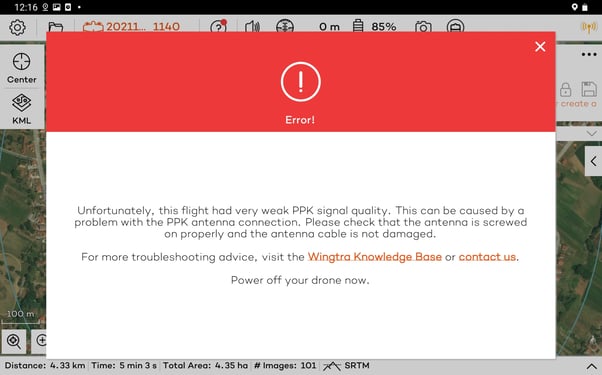
In case you encounter this error, the recommended first action would be to investigate the state of the PPK module, with particular focus on how tightly the PPK antenna is screwed in and the condition of the antenna cable. In this knowledge base article, we go through the steps of the hardware investigation.
Step 1. Remove the e-cover and PPK module
Currently, there are two types of PPK modules—with and without a rotation mechanism placed on the bottom of the PPK antenna. Depending on your hardware version, proceed to the appropriate section.
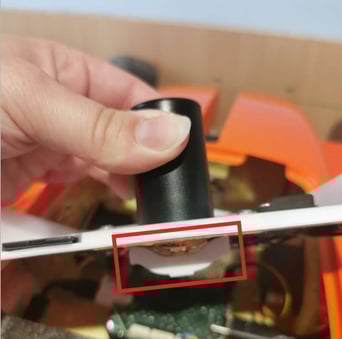
Step 2.a Tighten the PPK antenna without the anti-rotation mechanism
Step 2.b Tighten the PPK antenna with the anti-rotation mechanism
Once you are done, put everything back following the instructions backward until step 1. To determine whether the hardware investigation has had an impact. We recommend doing a test flight and checking whether the error appears again. In case the issue persists, contact support@wingtra.com, and submit the flight logs.