- Help Center
- Maintenance and Replacements
- Payloads and SD cards
SD card adapter for tablet
The SD card adapter for the tablet has been iterated some times. In this article you can see the more recent versions of the adapter.
There are several versions of tablet SD card adapters. The latest version offers a micro-SD and a normal-SD slot and provides more flexibility to your operations. For example, it allows you to inspect data captured with your Micasense cameras on a normal-sized SD card quickly on the field with the tablet.
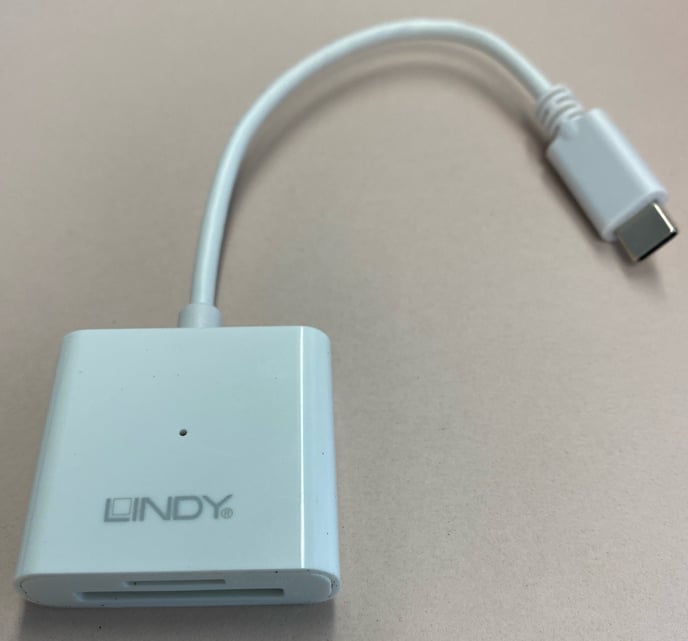
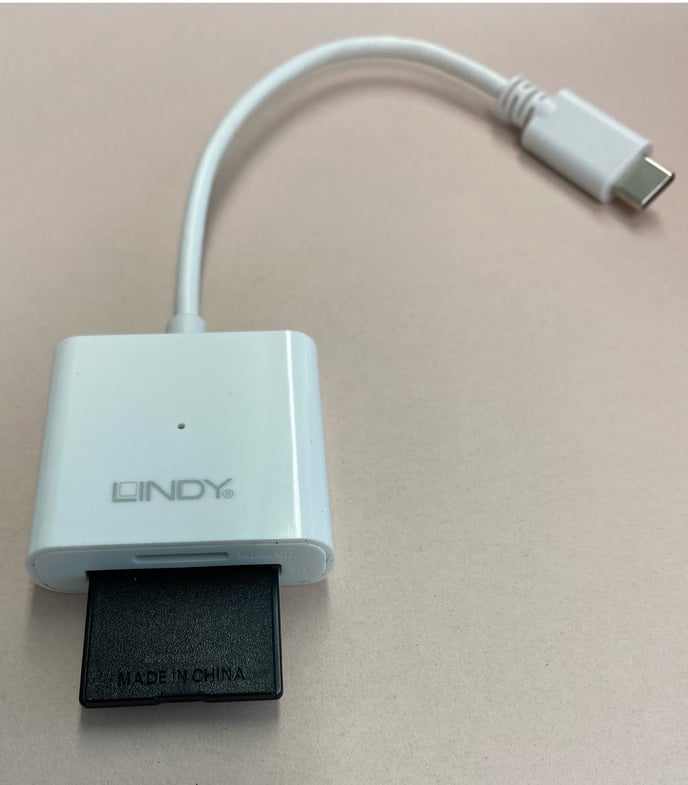
The previous version adapter has a USB-C connector on one side and a USB A connector on the other side.
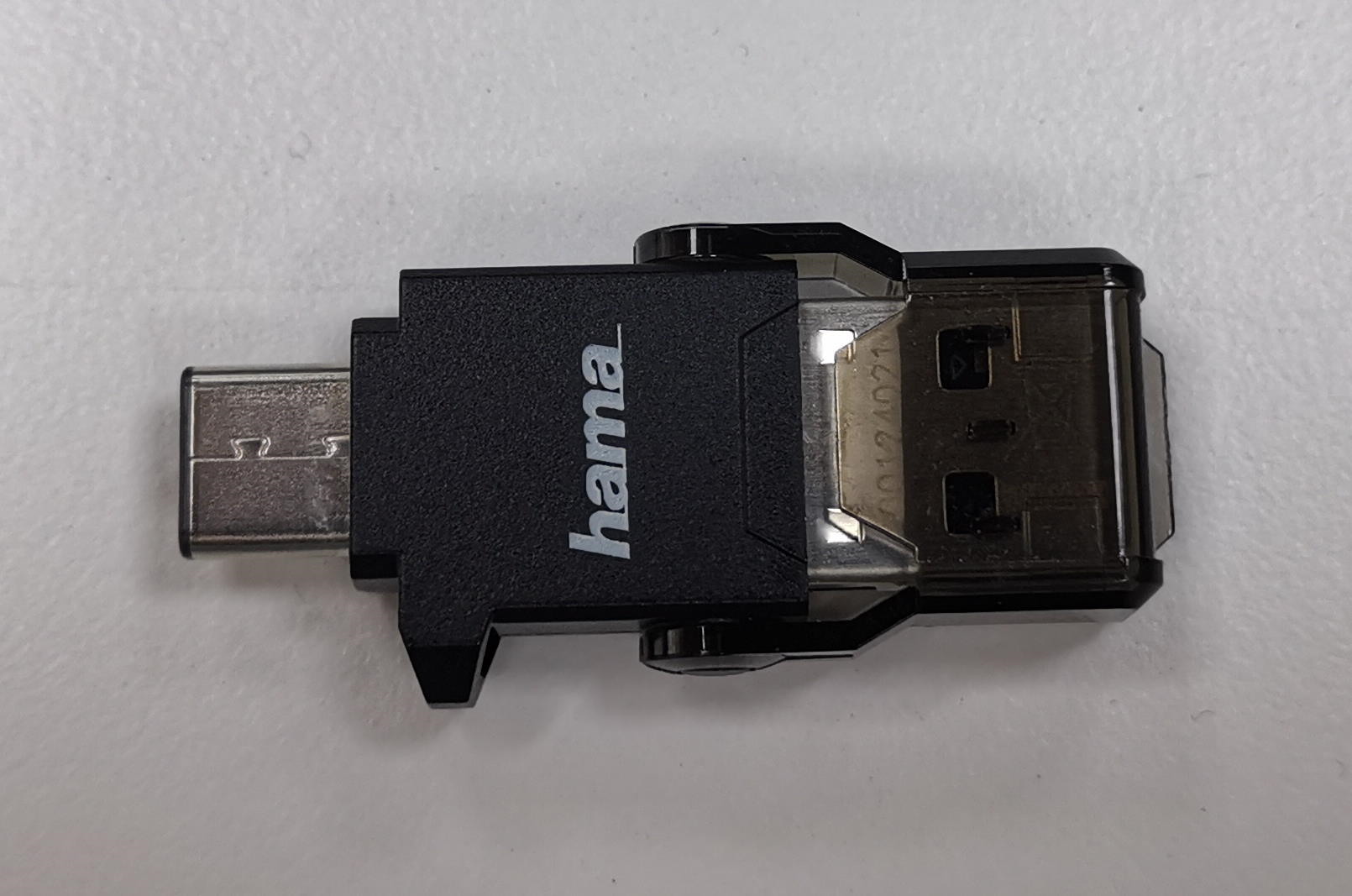
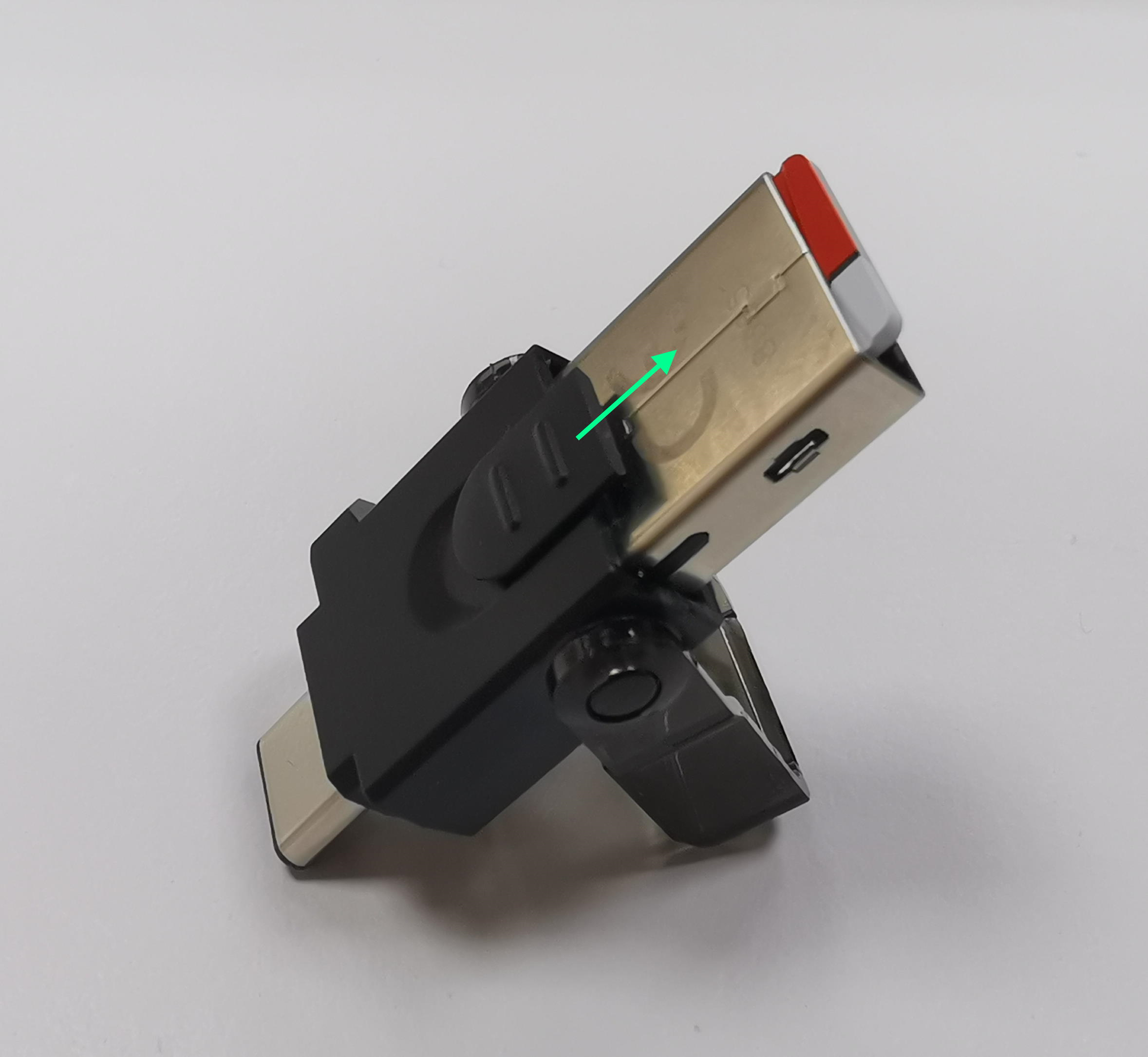
To insert a MicroSD card in the adapter, open the cover and slide the MicroSD card inside the USB-A.
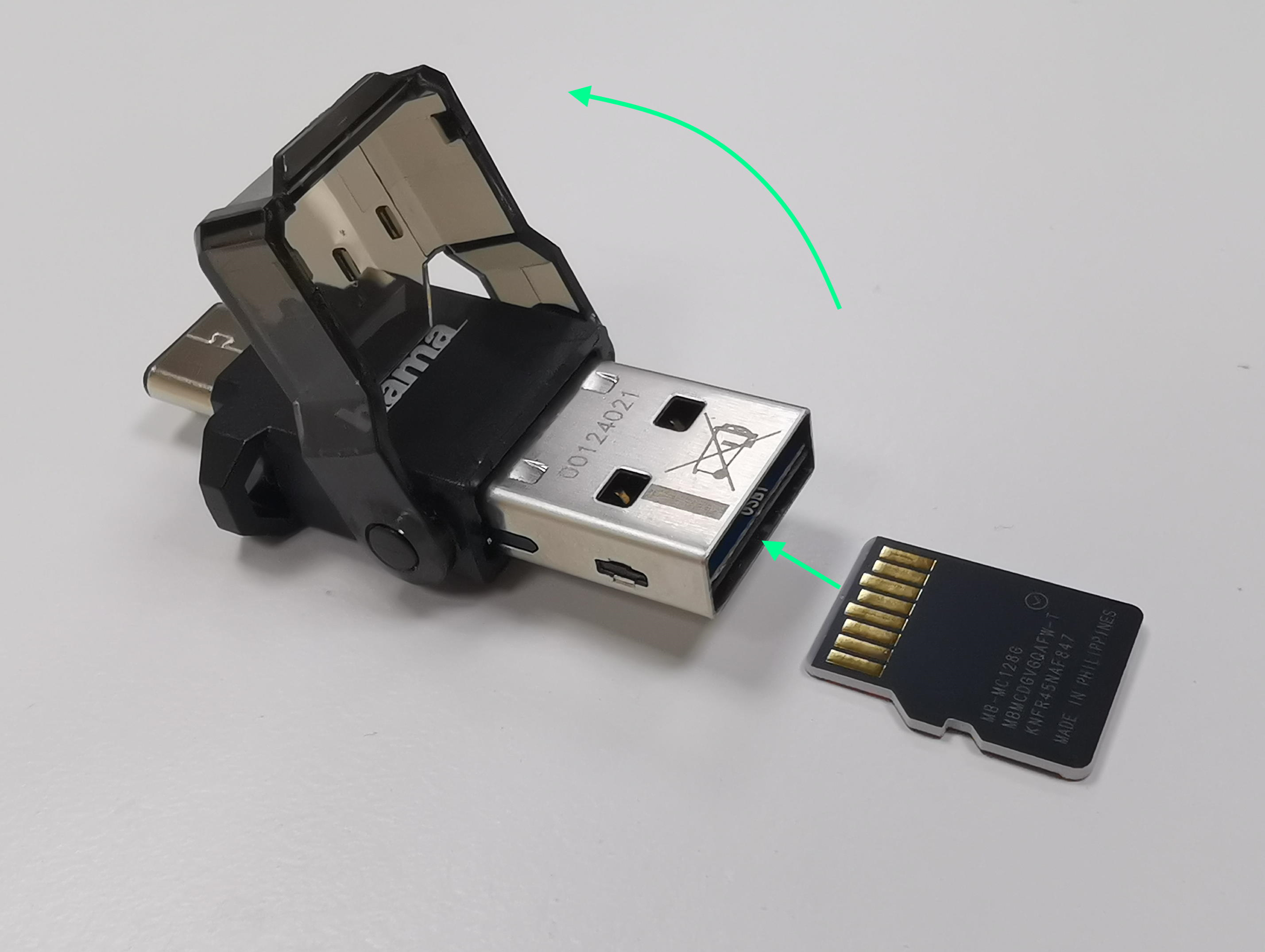
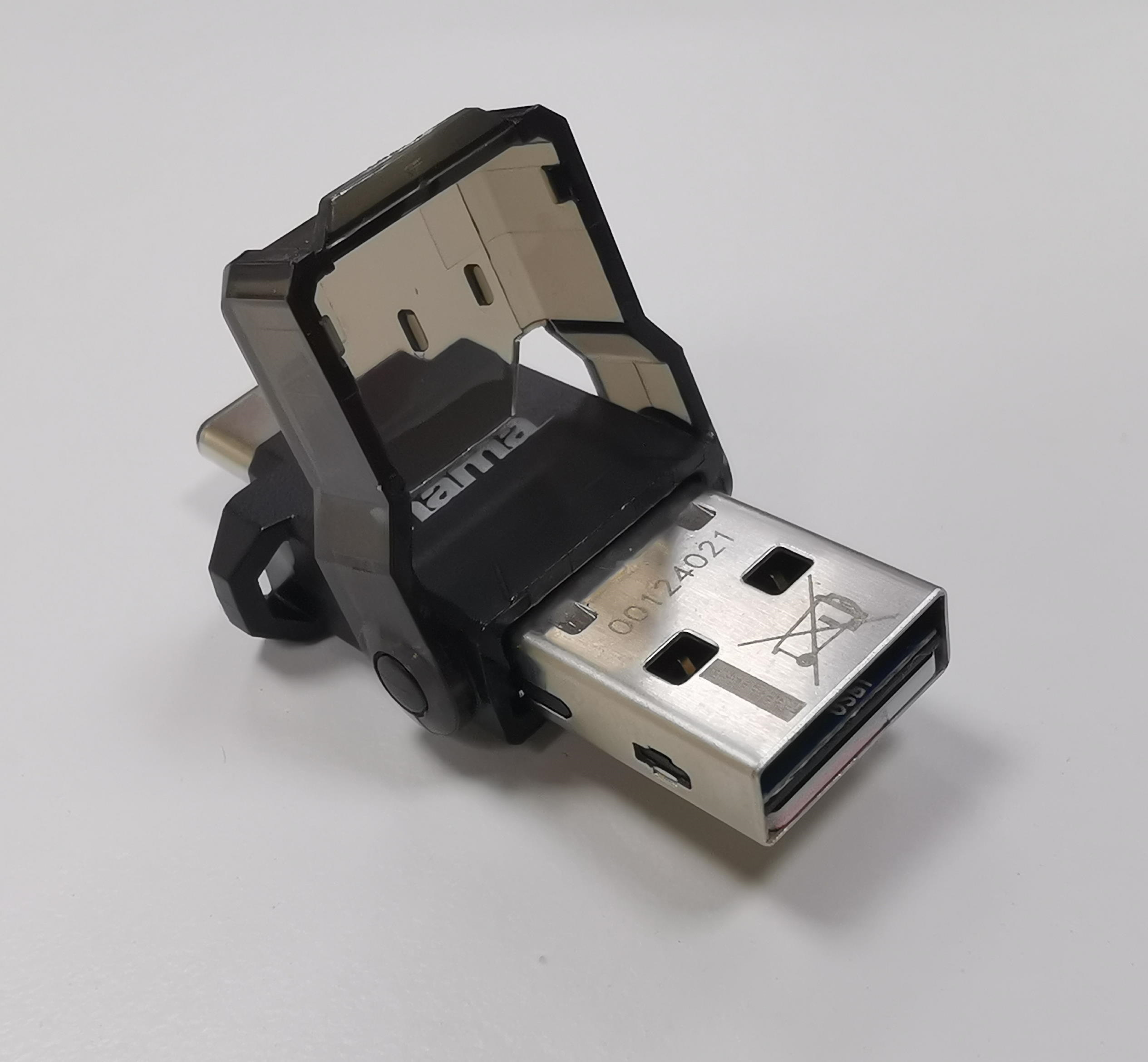
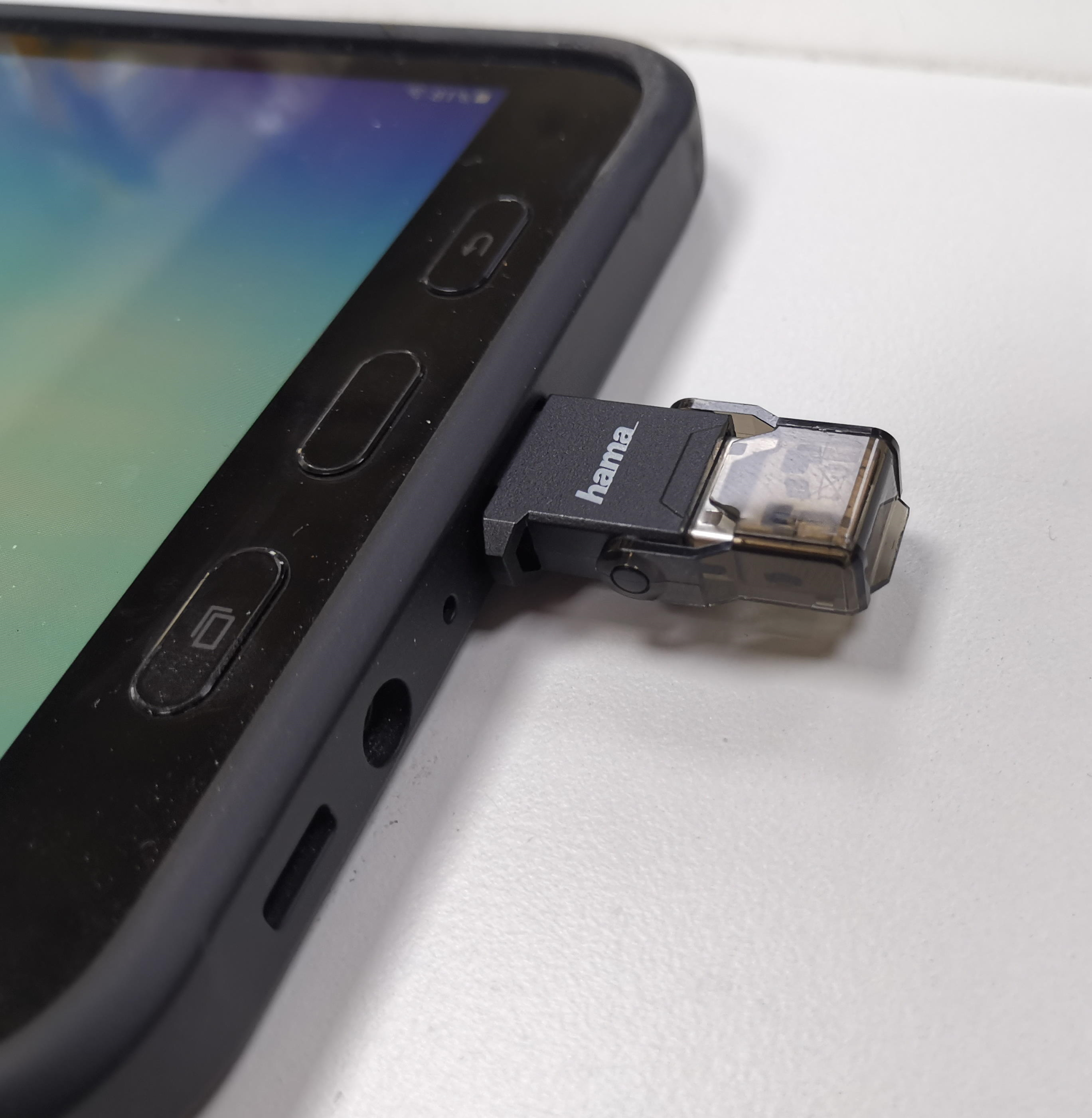
To use the adapter with the tablet, close the cover and insert the adapter with the USB-C connector into the tablet.
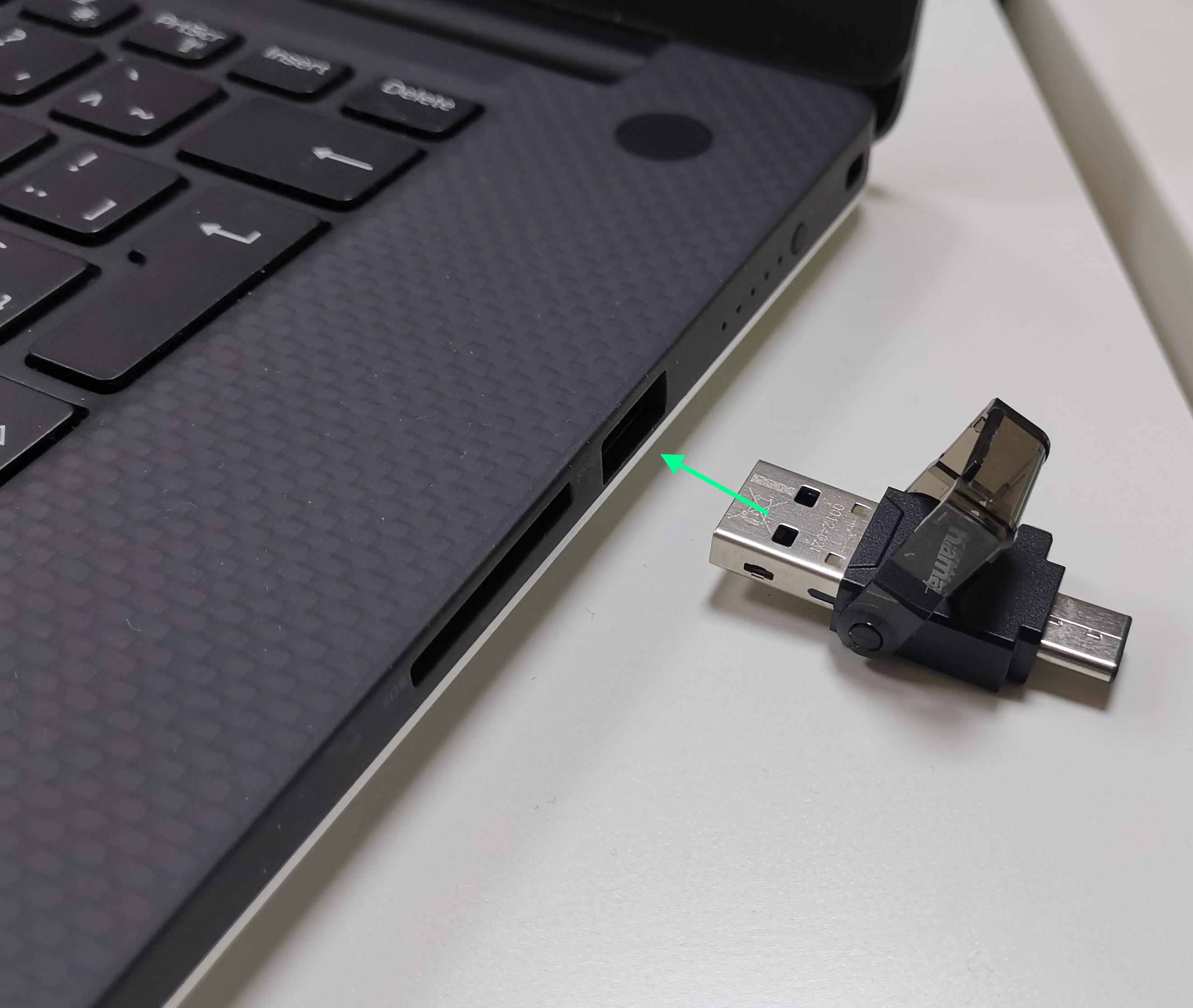
To read or write the MicroSD card with a computer, open the cover and insert the USB-A connector inside the computer.
To remove the SD card, open the cover and pull the slider to the right.