- Help Center
- Troubleshooting
- PPK Module
How to attach the PPK module if screws do not align
In rare cases, the three screws that hold the PPK module in place do not align properly and cannot be attached to the E-cover.
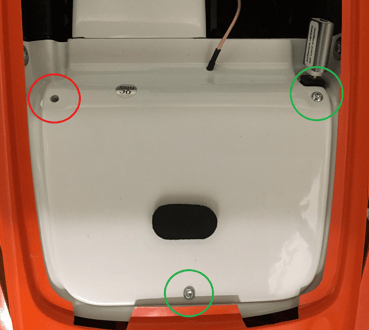
To fix it, follow these steps:
1. Remove the PPK module.
2. Unscrew the two screws from the white electronic bay cover (E-cover). You can either unscrew them completely or just loosen them halfway of their length.
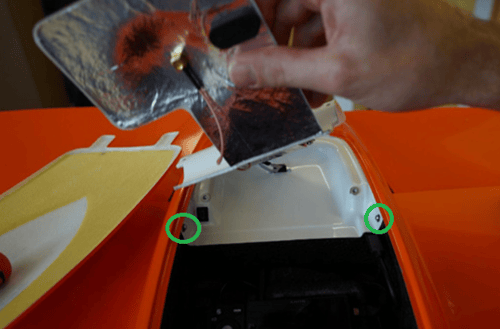
3. Use the "loose" E-cover to mount the PPK freely to it (by fixing the 3 PPK screws to the E-cover)
4. Mount the E-cover-PPK combination again by screwing the E-cover again by the two side screws.
Here you can see the How to install PPK module video to help you:
Please have in mind not to apply excessive force when tightening the screws as you might damage threads or screw pockets.