- Help Center
- Customer Portal
- Access Logs
How to access WingtraPilot logs and flight plans
If ever requested to send the WingtraPilot logs or flight plan to support for review this guide will instruct on finding the location of the files
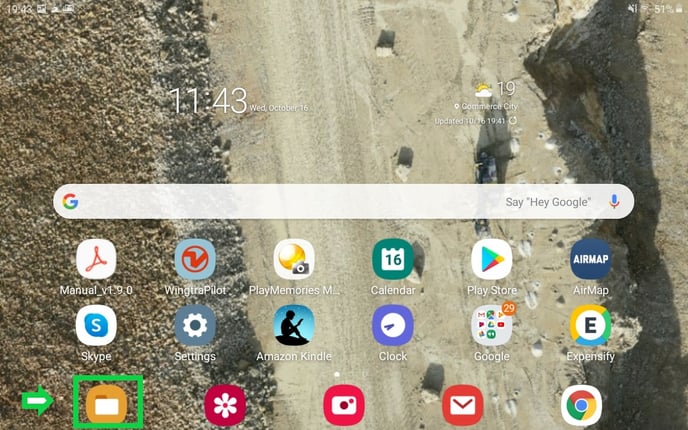
Open the tablet to the home screen then click on the file explorer icon highlighted.
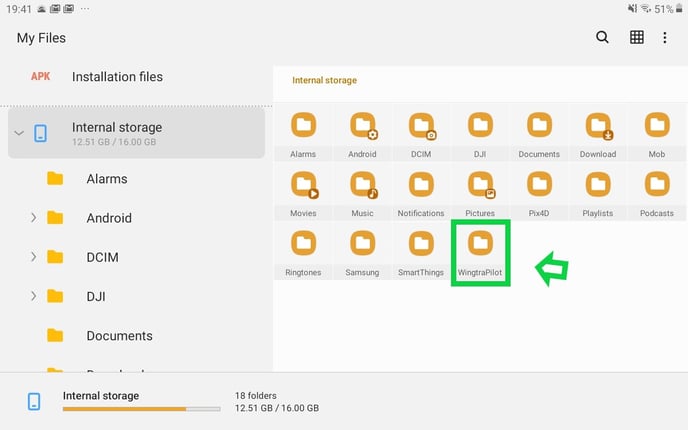
On the left-hand column scroll down and click on internal storage then find the WingtraPilot folder.
In the WingtraPilot folder, there are five folders, but this article will only explain the ones relevant to users.

Projects (1)
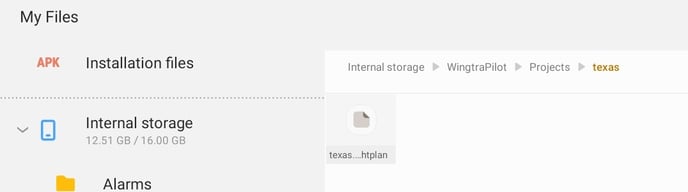
This folder stores the .flightplan mission and file. Click on projects locating the mission relevant to the support request and then find the .flightplan file to send.
Release (2)
This folder contains all of the past firmware files in case a user needs to revert to a previous version. The APK file is an Android installation file that will update the application once opened on the Android device. The .TAR file is used to update the drone. The user can also access the PDF manual from the firmware release folders.
WingtraOneLogs (3)
This folder contains logs from the tablet only and is used in rare instances. It only contains brief information about the performance of the WingtraPilot