Troubleshooting flowchart
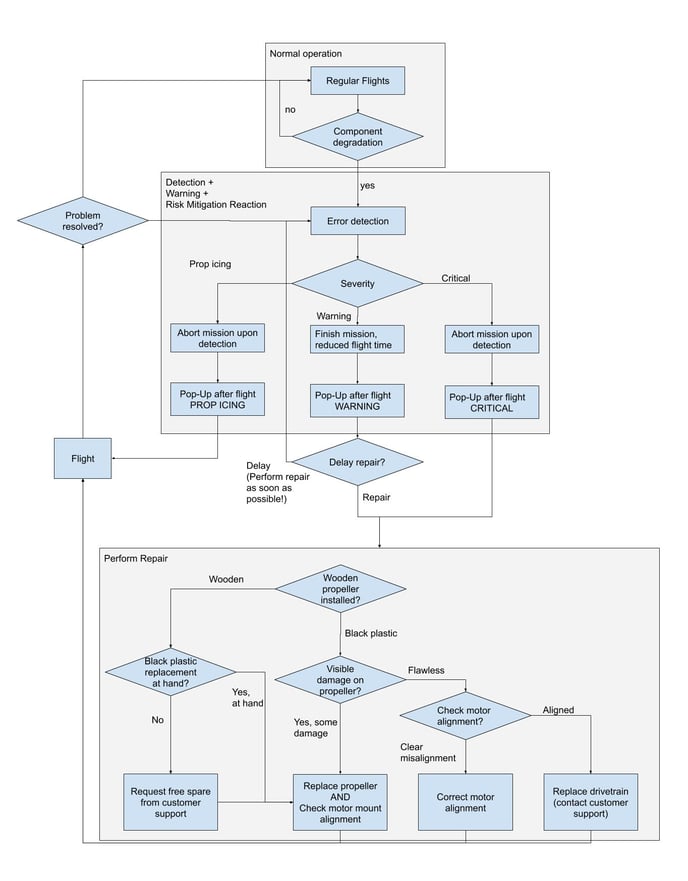
The following flowchart will guide you through the actions you should take based on the reported message.
All cases should be reported in Hubspot. Request the logs of the unit and tag Ronny on the ticket.
The performance of the drivetrains (motors, speed controllers, and propellers) is monitored during flight. In case of detected anomalies, the user is notified to take action, by replacing the propellers, examining the motors, and in the worst case replacing the drivetrains.
1. Deteriorating drivetrain performance
This is detected in hover and monitors mainly the difference in produced thrust between both drivetrains. The cause of the performance issues can be the propellers, ESCs, or motors. Therefore the user is asked to check the following components:
Check propellers for damages --> if still using wooden propellers, get new black ones --> if using black propellers with visual damages, replace them --> check that motor mounts are aligned --> report to the devs and probably drivetrain replacement
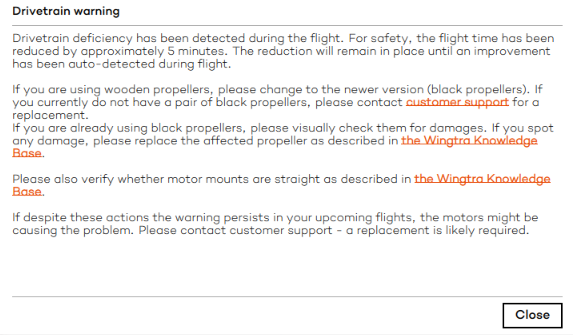
Drivetrain warning: the allowed flight time is decreased by ca. 5 minutes for all flights to come (as long as the warning state remains)
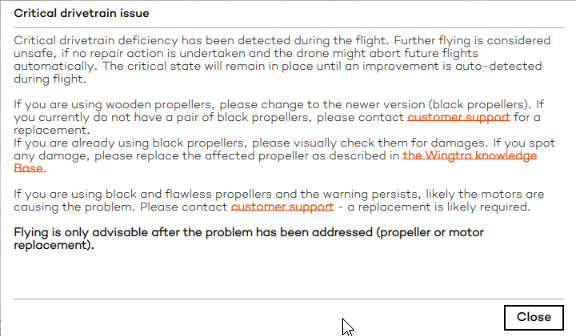
Drivetrain critical issue: immediate RTH is triggered (as long as the critical state remains), flying not permitted.
Inform the customer that they should stop flying with the current setup as an incident is likely to happen. If they continue flying, replacement costs after a potential incident will not be covered by warranty.
2. Propeller icing
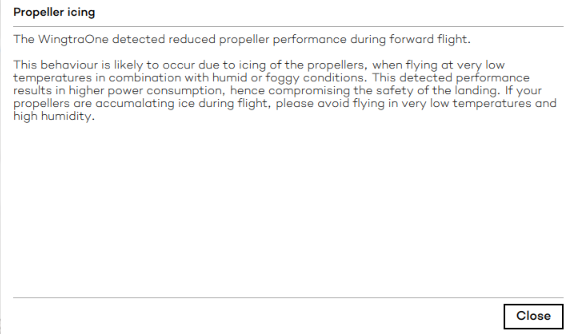
This can happen in negative temperatures and high humidity (see more about flying in cold here). The effect is detectable as a drastic increase in power consumption during cruise flight. The user is notified to avoid flying in this condition. In case there is no improvement in the weather conditions, the user should stop flying. If the weather improves, they can continue flying after drying the propellers.