- Help Center
- Customer Portal
- Payloads and Accessories
Changing between RGB cameras
Learn how to change between RGB cameras on your WingtraOne
This replacement is recommended to be carried out by all customers themselves. Wingtra's warranty is not affected by this replacement.
Step by step instructions
Step 1 Open the top cover and the PPK module
Step 2 Remove the inserted RGB camera
Step 3 Insert the new camera
Step 4 Close the top cover
- Close the PPK cover using the PUSH button.
- Close the top cover.
Step 5 Finalize the new camera setup
- Power on the WingtraOne.
- Open the WingtraPilot app and connect the telemetry antenna to connect to WingtraOne.
- Create a new flight plan and make sure to select the right camera when going
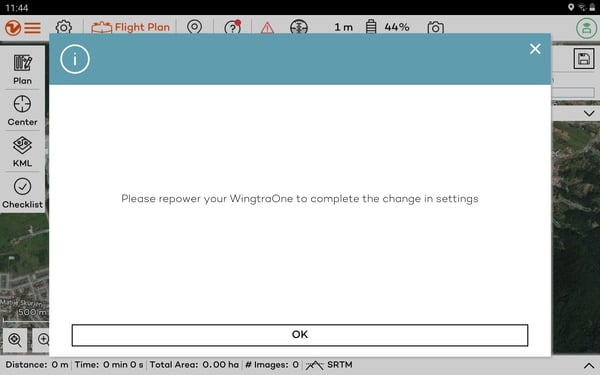
through the wizard. - The new RGB camera will be detected and WingtraPilot will prompt you to repower WingtraOne to initialize it correctly.

- Confirm by clicking "Yes" and repower WingtraOne to finalize the setup.