This article describes the process of ordering and fulfilling Bentley licenses (free/trial and paid licenses)
Licenses types:
Our Bentley offering is described in the customer-facing article here.
- Bentley Reality Modeling Worksuite (ContextCapture + Editor + ProjectWise ContextShare + 3 Virtuosity keys)
- SKU = BEN-CC
- Bentley Reality Modeling Worksuite Advanced (ContextCapture + Editor + ProjectWise ContextShare + Orbit3DM + PointTools + 5 Virtuosity keys)
- SKU = BEN-CC-ADV
- Bentley free 30-day trial license
- SKU = BEN-CC-30day-free
Ordering process for sales / customer success team:
- Create a deal and add the licenses as line items/products
- Create a shipment as for any other deal
- Trial licenses: Once Stephanie / Jasna clear the shipment, we send an email immediately to the customer asking her/him to create a Bentley account and tell us once this is done. We also create a task for the customer success manager to check that the customer is doing this and to file the license once the customer has created the account. Further infos: workflow, email to the customer, sample deal
- Paid licenses: Upon payment (distributor → Wingtra) of an invoice that includes a Bentley license, the shipment status is set to "Cleared", and the fulfillment team will proceed to create the license.
Do you need help picking the right license for your customer?
- You can drop a question to Julian anytime (through hubspot or over Skype)
- Bentley explicitly offered deal support whenever this is needed. They will also do a sales session / video call with an interested customer. Please introduce the customer to Kev.McDonald@bentley.com and Kev will be happy to assist with the deal.
Procedure for the fulfillment team for paid licenses (Bentley Reality Modeling WorkSuite):
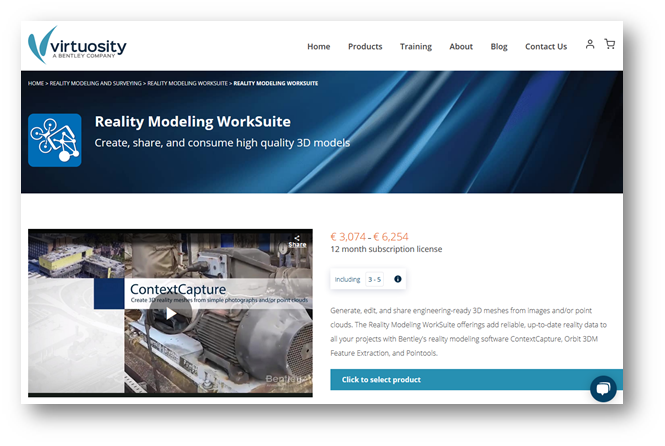
- Click on the button "Click to select product" and select the Bentley Reality Modeling WorkSuite license type based on the SKU in the deal.
- BEN-CC = Bentley Reality Modeling WorkSuite - 3 keys
- BEN-CC-ADV = Bentley Reality Modeling WorkSuite Advanced - 5 keys
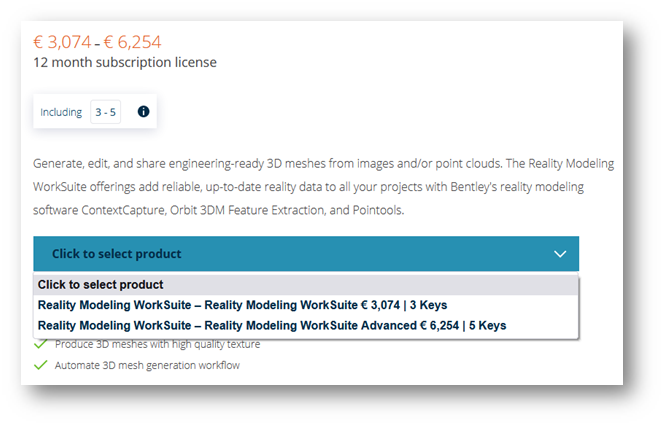
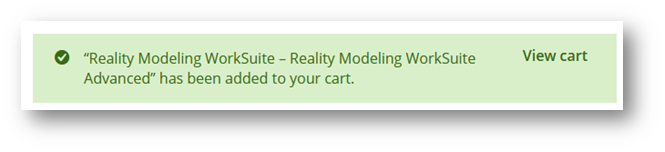
- Click on the button "Add to cart".
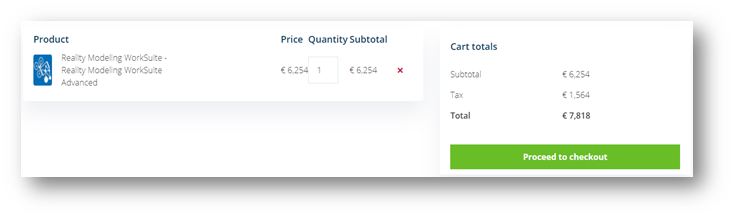
- Click on the button "View cart".
- Click on the button "Proceed to checkout"
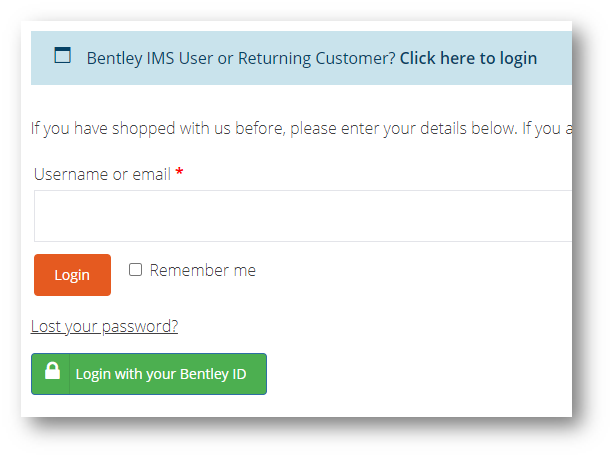
- At the checkout page click on the "Click here to login" and then on the button "Login with your Bentley ID":
- Username: shopping@wingtra.com
- password: GoRadical044
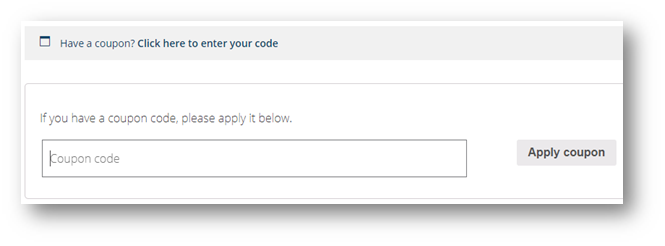
- On the Checkout page, click on the button "Have a coupon" and enter the Wingtra code.
- Coupon code: WINGTRA30
- Apply coupon.
- Coupon code: WINGTRA30
- Add the Wingra details in the "Billing details" section.
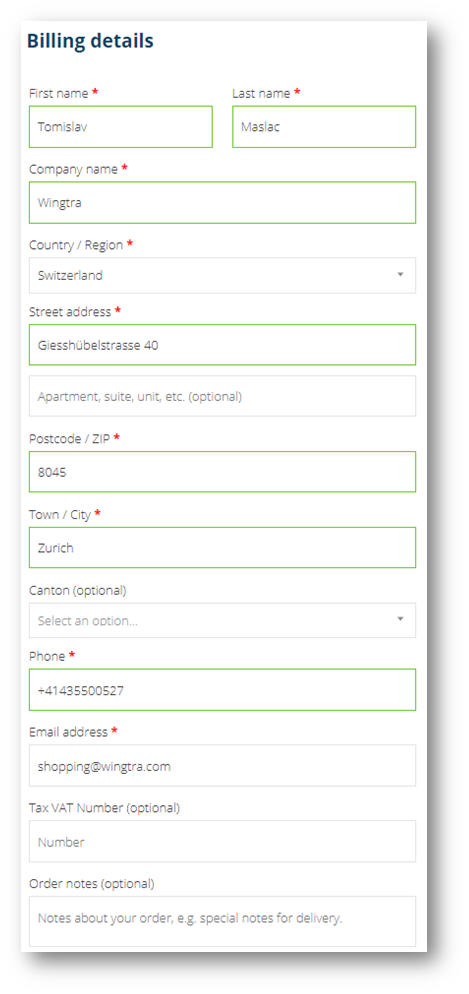
- Add end-user details under the "Order notes". Include all the user details as per the Billing details fields. Details on the user can be seen by clicking on the associated contact in the HS shipment. (you can copy and paste the properties below)
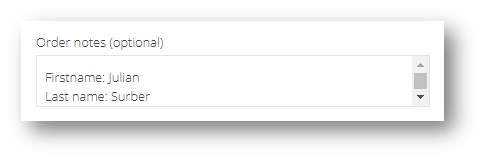
First name:
Last name:
Company name:
Country / Region:
Street address:
Postalcode / ZIP:
Town / City:
Phone:
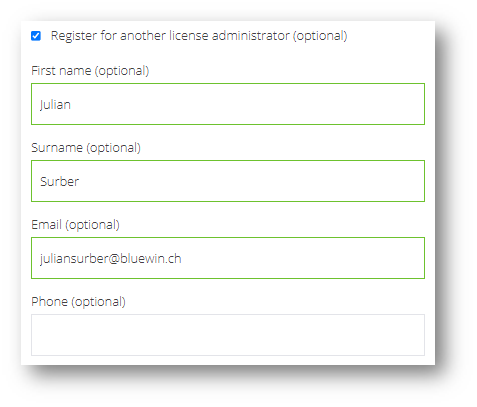
Email address: - Tick the box "Register for another license administrator" and enter the end-user first name, last name, and email address.
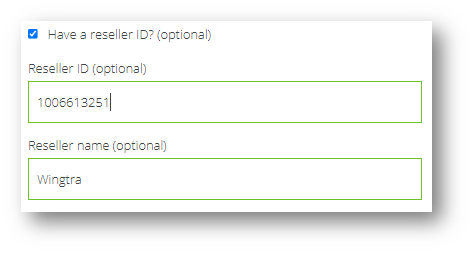
- Tick the box "Have a reseller ID" and enter the details:
- Reseller ID: 1006613251
- Reseller name: Wingtra
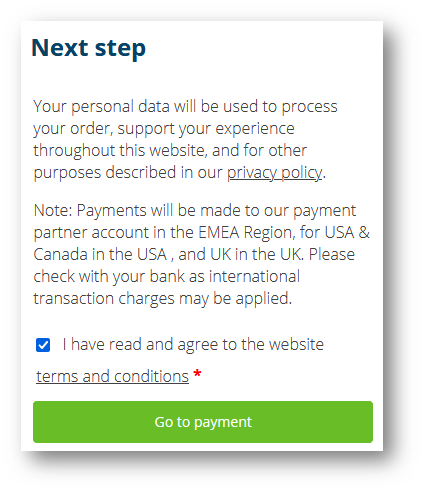
- Tick the box "I have read and agree to the website terms and conditions" and click on the button "Go to payment".
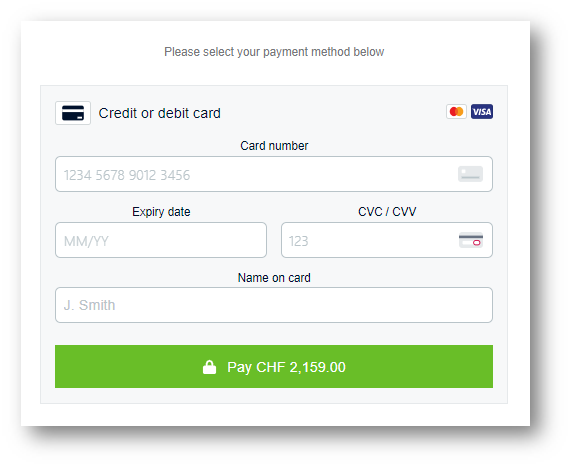
- Enter details about the payment method and click on the button "Pay CHF XXXX"
- The rest of the process is done by the Virtuosity team, which includes sending an email with details to the customer.
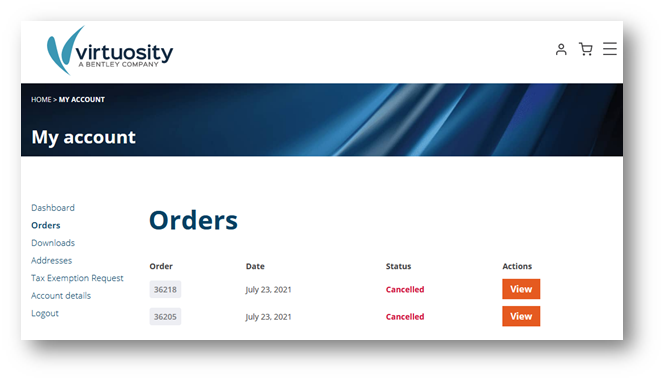
Orders overview
We can check the licenses that were ordered by Wingtra by going to the "orders" section in the Virtuosity portal: