- Help Center
- Troubleshooting
- WingtraOne Hardware
Adjust RC time settings
Learn how to adjust the remote control time settings
Step by step instructions
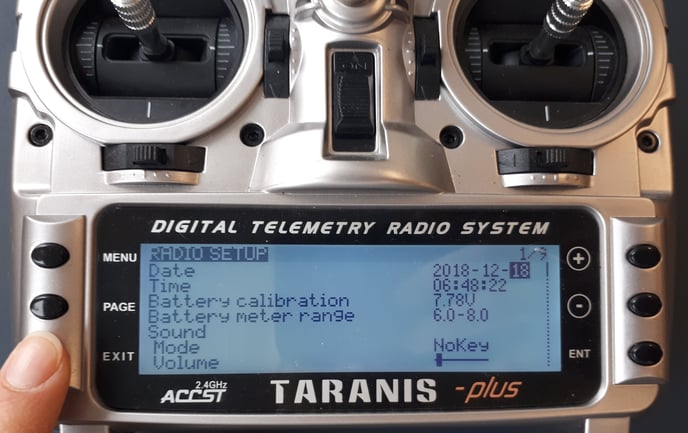
1. Turn on the remote control (RC)
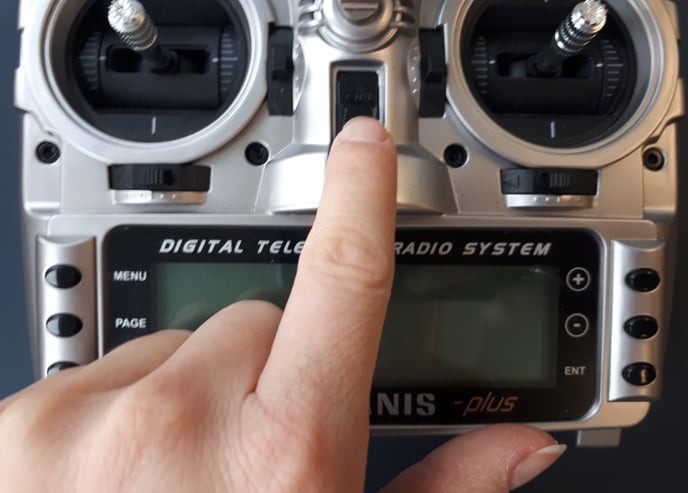
2. Press long on the MENU button
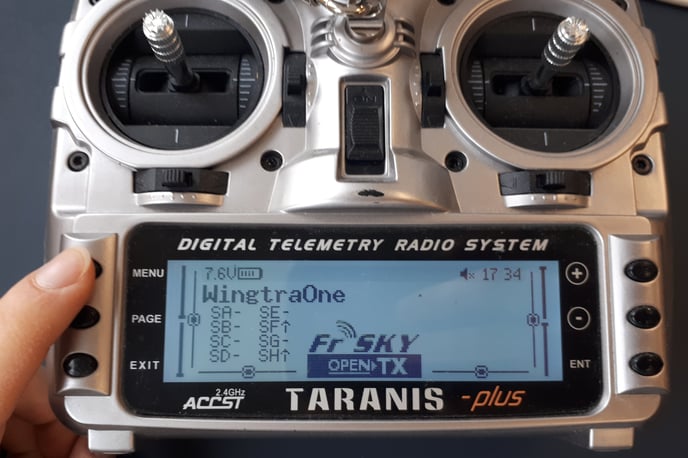
3. Press on the ENT button to start editing the time
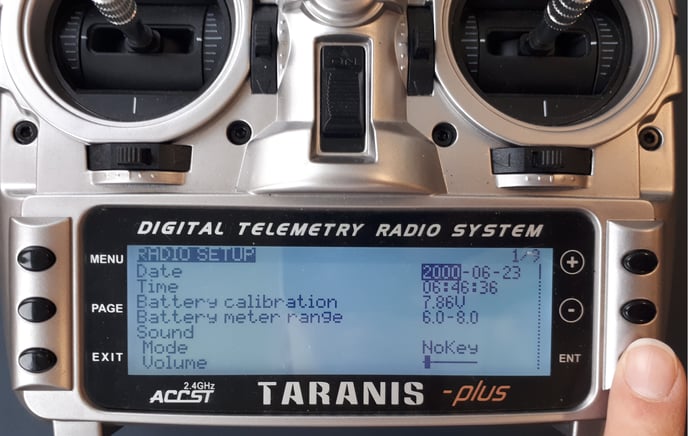
4. Change the date to today‘s day
a. With the (+) button you increase the number
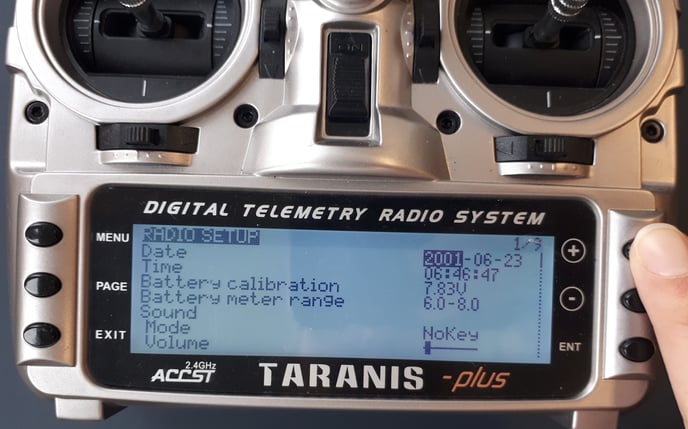
b. With the (-) you decrease the number
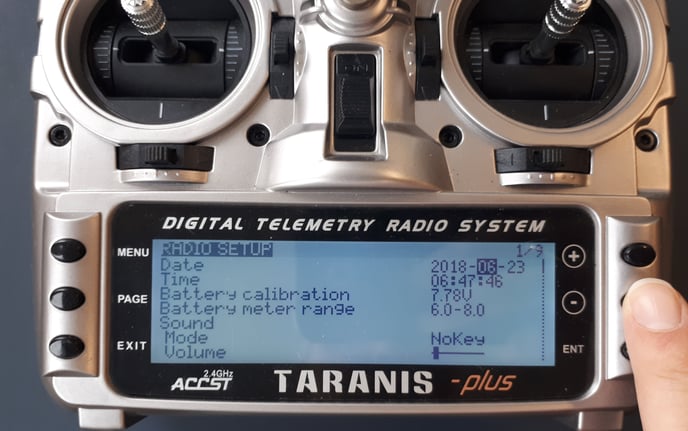
5. By pressing ENT again you accept the current setting
6. Press (-) to move to the next setting
7. Once you are done press EXIT to get back to the main screen